If there’s anything I do all the time, I try to either find or create a shortcut so I can do it using only the keyboard. Moving windows around is one of those things (maximize, minimize, dock to different parts of the screen, move to different monitors, etc.).
On the PC, I use the combination WinKey+(up/down/left/right arrows). For instance, say I’m working with Notepad like this:
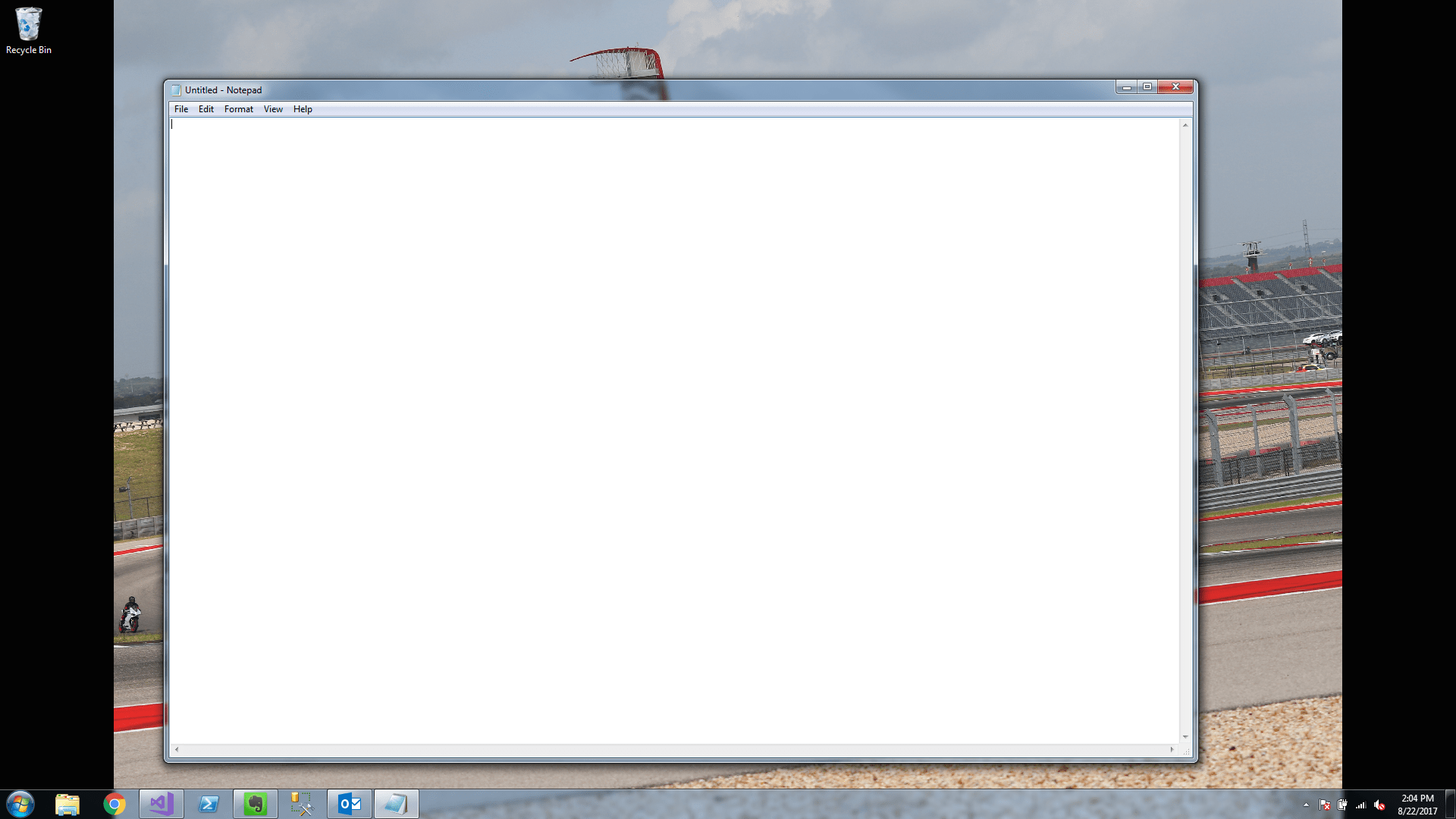
If I want it maximized, I hit the Windows Key + Up Arrow:

If I want it restored back to its original state, just hit Windows Key + Down Arrow.
If I need it docked to either the right or left side of the screen, I hit Windows Key + Left/Right Arrow:

If I want to move the window moved to another monitor, just keep hitting Windows Key Left/Right Arrow until the window makes it to the other monitor (once it gets there, I usually hit Windows Key + Up Arrow so it gets maximized).
On the Mac, I use the SizeUp app, which gives me even more options to manage windows on my screen:
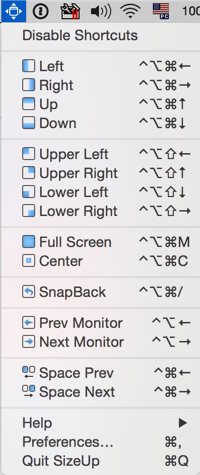
I use these shortcuts all day long!!





Leave a Reply