
After nearly three decades in software development, I’ve seen my fair share of “next big things.” But what we’re experiencing now with AI tools is different. It’s not just about coding faster—it’s about shortening the path from conversation to working solutions.
A year ago, I wrapped up an eight-week experiment that reinforced this. It ran from January through March 2025, then in April, I shared my lessons learned with Improvers. I’m sharing this now publicly to reflect on how quickly things are changing—and to help others understand where they might be in their own AI journey.
The Houston Experiment
In early 2025, we launched an AI-first development experiment at Improving in Houston. The premise was simple: bring people together every week to share findings from their hands-on use of AI tools in real work. That accountability—showing up weekly to share what we learned, what failed, and what worked—was invaluable.
If you don’t have a similar group in your organization yet, start one. The collective learning and momentum are worth it.
My Background with Productivity Tools
My interest in productivity tools goes back to the 90s. I’ve built and used database, application, and code generators. I’ve spent years working with productivity extensions like CodeRush and ReSharper, later moving to JetBrains Rider. I consider myself a power user who always tries to put tools to meaningful use.
But I don’t geek out on technology for its own sake. I only care about technology when it makes life better for me or others. That’s true for AI too.
Early Encounters with AI
My first exposure to AI for coding didn’t impress me. I saw an article (in February of 2023) claiming that using ChatGPT to generate code comments would “improve code quality.” That didn’t make sense to me. I’ve written before about my evolving relationship with code comments, and I wasn’t convinced this was any improvement.
So, I ignored it.
Then in September 2023, I gave ChatGPT another shot. I started documenting how I used it in real work, tracking each use case: what I asked, why, and the results I got. When an Improver asked if anyone could share a lightning talk on AI and developer productivity, I looked at my growing list and realized I had plenty to share.
That was my turning point. By early 2024, I was ready to go deeper.
Early Wins: ChatGPT and JetBrains Rider
One example that stuck with me was when my teammate took a photo of a whiteboard sketch I made for a Razor Page design. He dropped it into ChatGPT and prompted, “Create a Razor Page that looks like this.” The result actually worked. That was my first moment of genuine surprise.
Around the same time, I started using JetBrains Rider’s AI assistant. I tried the free version first. It would auto-complete patterns in my code based on my habits. Neat, but not mind-blowing. Then I enabled the trial for the full AI assistant.
That’s when things got interesting.
Instead of copying and pasting between ChatGPT and my IDE, I could just click “Implement with AI” in Rider. It generated full code blocks that followed my project’s patterns. It wasn’t guessing; it understood the context. That was the moment I thought, okay, now we’re onto something.
The AI-First Experiment: From Conversation to Solution
When Eric and Richard proposed running an AI-first experiment, I jumped in immediately. We set out to explore how AI could reshape the way we develop software, not just accelerate it.
For me, the focus wasn’t code generation. It was this question:
How can we move faster from a stakeholder conversation to a working solution that actually helps them?
I think in terms of stakeholders, not users. These are people trying to get something done in their lives. That’s the mindset I brought to this experiment.
The Problem I Wanted to Solve: Insights from EIP Data
I wanted to extract insights from my EIP (Employee Involvement Program) data in Engage (our internal platform). The system allowed us to log activities—but it didn’t help us reflect on the why or impact of our efforts.
So I asked: What could I learn about myself, my contributions, and opportunities for deeper engagement by analyzing my own EIP data?
I exported my data from Engage to Excel and started prototyping a dashboard to surface insights. Essentially, I built my own “Engaged” app. Week one was all about defining the problem and cutting some user stories from my voice-journaled thoughts.
Then Engage rolled out a new release with built-in EIP stats. Great timing, but it meant I needed to pivot.
Redefining the Problem: Collective EIP
I began exploring the idea of collective EIP—understanding how my activities impacted not just me but others. Coaching, mentoring, and leading community events—these are collective acts.
Competition serves the ego. Cooperation supports the highest outcome.
I wanted to see that reflected in data.
So I built features to categorize and assign “collectivity indices” to my EIP activities. I used JetBrains Rider to set up an Angular app, told it to skip login and database setup, and let it use IndexedDB for local storage. Within three hours, I had a working prototype.
From Rider to Cursor: The Breakthrough
By week four, I hit a wall. Rider’s AI assistant struggled with some front-end logic. Charts wouldn’t render right. Someone in our group mentioned a new editor called Cursor, so I tried it.
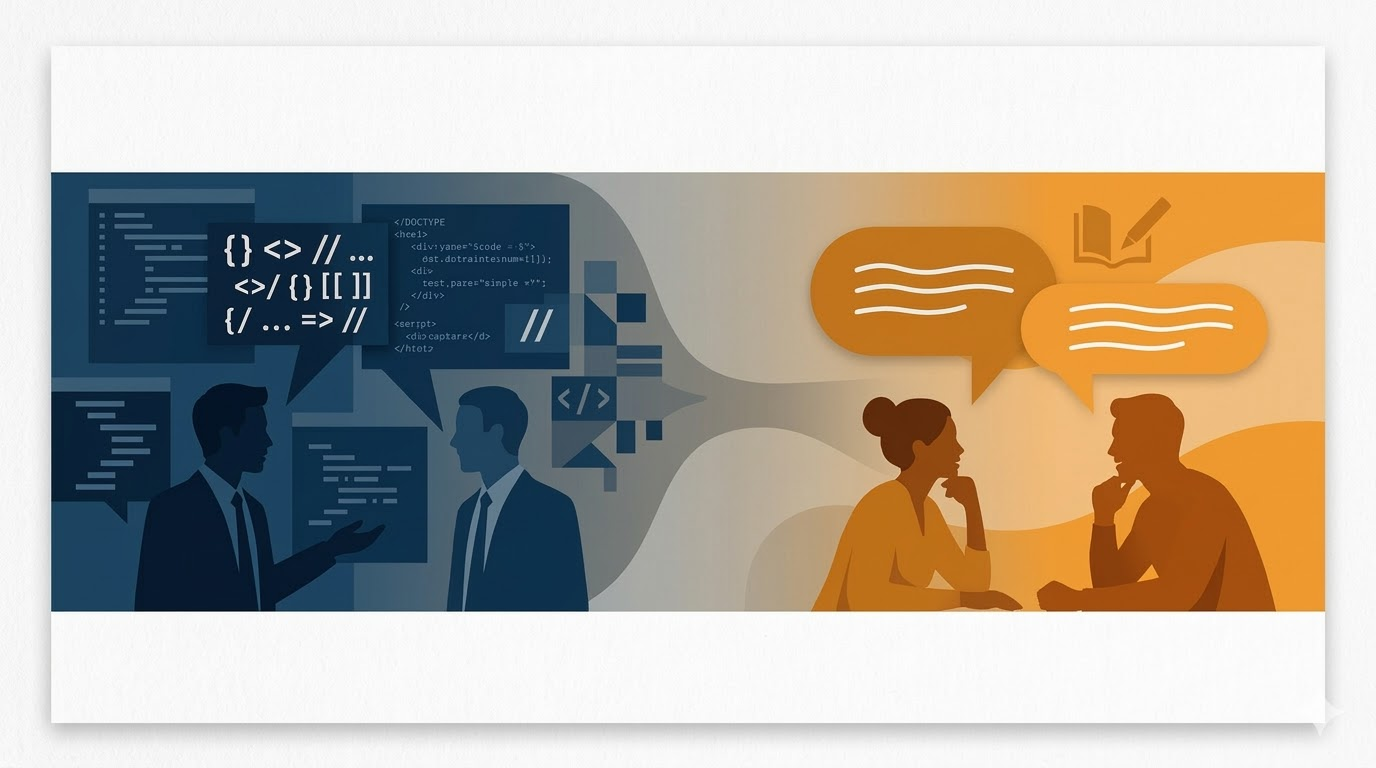
Within minutes, Cursor solved what had stumped me for days. I gave it a user story written in natural language, including acceptance criteria and scenarios (given-when-then).
I didn’t mention charts, frameworks, or data formats. Five minutes later, I had a working interactive chart with filters and drill-downs.
No code written by me. Just good English and clear intent.
I literally stepped away from the desk. I couldn’t believe how easily I had achieved something that used to take days or weeks with older tools.
Real Insights from My Data
When I analyzed the results, two insights stood out:
-
After taking our IBP program, my EIP contributions never dropped below triple digits. That reflected a real behavioral change.
-
My highest EIP activity was Q2 2020, the start of the pandemic. That prompted reflection on how I adapted to remote work and maintained focus.
Those patterns helped me understand myself better, not through metrics alone but through the stories behind them.
Weeks 6–8: Maturing the Process
Later weeks were about tightening the process. I started structuring my findings around problems solved, not tools used. I refined how I documented experiments:
In order to provide better and faster answers to people who come to me for guidance, I want to quickly find content I’ve created that might help them.
This focus on problem-solving over tool-chasing is central to my workflow.
I started using Cursor for macro AI generation (big changes, multiple files) and Rider for micro AI work (refactors, smaller adjustments). It was a perfect combination. I have since been using Rider less and less (this is a topic for another post, though.)
When someone asked what model I was using, I had no idea. Because it didn’t matter. What mattered was getting things done.
Bringing BDD and TDD into the Mix
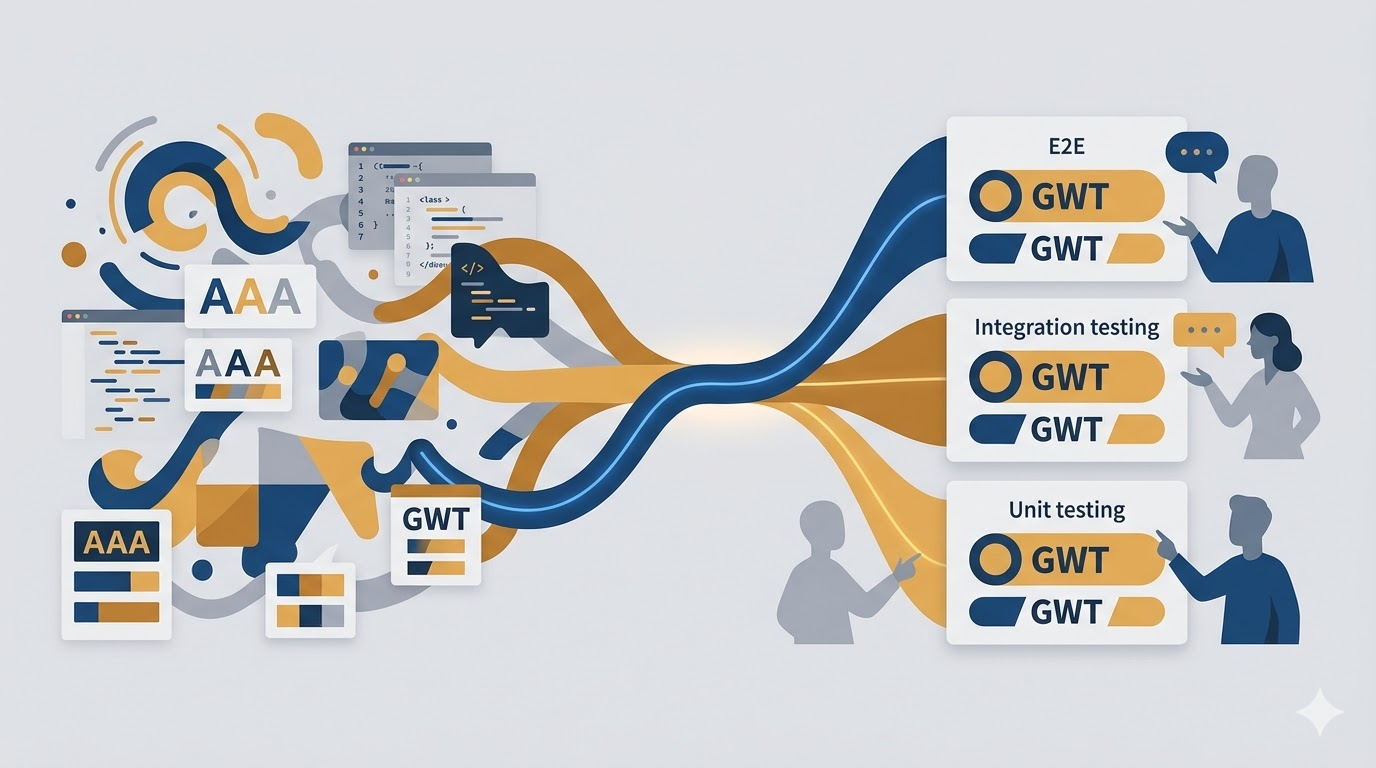
By week seven, I wanted to introduce BDD (Behavior-Driven Development) to the picture. I used Cursor to generate Cypress end-to-end tests from my Given-When-Then scenarios in my user stories. It even refactored the tests into my preferred readable format, separating logic from narrative.
When I run the tests, I can see the Given-When-Then steps on screen. It’s great for both technical and non-technical conversations.
Applying It to Client Work
All these lessons became how I approach client projects. We’re optimizing the flow from conversation → user story → working feature → problem solved.
We use Cursor to:
-
Generate endpoint designs based on user stories and hand-drawn mockups
-
Draft contracts, permissions, and API routes based on context maps
-
Stub endpoints and run tests before backend implementation
-
Capture feedback loops as we refine stories
The result: faster cycles, tighter collaboration, and fewer handoffs.
We treat AI as a junior consultant who learns through feedback. When it makes mistakes, we correct them and update instructions so it performs better next time.
The Big Picture
This experiment reinforced that AI is not just a faster pair of hands. It’s a thinking partner. It helps us move from talking about problems to seeing solutions in real time.
It’s not about the code. It’s about the outcome.
It’s about amplifying our ability to listen, reflect, and deliver meaningful results.
Looking back a year later, I’m struck by how much has changed—and how much hasn’t. The tools have evolved. The models have improved. But the core insight remains: the value isn’t in the technology itself. It’s in how we use it to shorten the distance between conversation and solution.
If you’re just starting your own AI experiment or somewhere in the middle of figuring this out, I hope these lessons help. The landscape is moving fast, but the fundamentals—clear problems, good questions, and a focus on outcomes—still matter most.


Leave a Reply