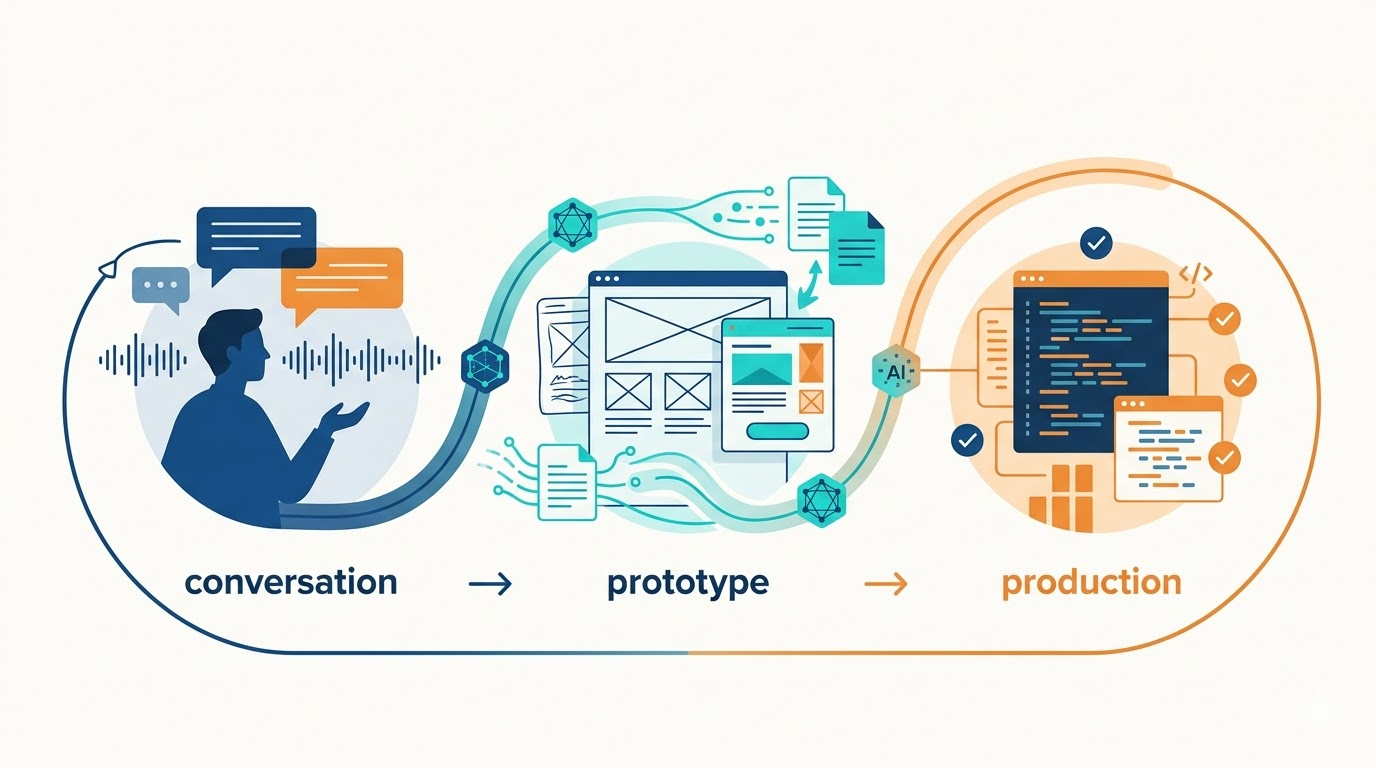
I’ve been working on a couple of projects lately where a workflow has emerged that I’m finding surprisingly effective. It’s not something I planned from the start. It evolved as I kept noticing what worked and what didn’t.
The core pattern: I talk with stakeholders, capture their needs, build a prototype to validate the direction, and then implement the real thing. But the way AI fits into each step has made the whole process faster and more focused than anything I’ve done before.
Starting with Conversations
I record every stakeholder conversation. Not because I want an archive, but because I want transcripts I can work with later. After a few conversations, I have a vision forming: ideas about what a solution might look like, what problems it needs to solve, and what constraints matter.
At that point, I create a new Git worktree for the feature. I have a workflow that sets up the front end and back end and spins up Docker containers for development and test databases. It wires everything together so I can work on multiple streams in parallel, or have AI agents working simultaneously without stepping on each other.
In that worktree, I drop all the transcripts and my own notes. Then I prompt AI with that material.
From Transcripts to User Stories
Depending on what I’m building, I might first ask AI to analyze everything and create a comprehensive document focused on specific elements of the conversation. Or I might skip that and go straight to user stories.
I have a workflow that generates well-formed user stories with acceptance criteria and scenarios in given-when-then format. Usually, I have a back-and-forth with AI during this step. It asks questions, makes suggestions, and we refine the stories together.
Once the stories are solid, I decide what comes next based on the scope. If it’s a large epic with multiple features, I tell AI to create specs for a prototype.
Prototyping Without Touching Production Code
This is where things get interesting. Both projects I’m working on are existing codebases (Angular on the front end, .NET on the back end). There’s already a database, already features in production.
I tell AI to analyze what’s already there. Then I ask it to create specs for a prototype that looks like the main application: same branding, same menu structure, same look and feel, but without touching any existing code.
I tell it to create stubbed data for the prototype using realistic data from the production database, anonymizing or de-identifying where appropriate for privacy. The prototype only develops the front end using that stubbed data.
And here’s a detail that’s been very useful: I ask AI to include a demo guide. This document tells me exactly where to go in the prototype when I’m demonstrating it to stakeholders. It tells me what to draw attention to, what value the feature brings, what pain points it addresses, where to click next, and where to stop and ask for feedback.
I put the prototype in the docs folder of the repository, organized by functional area and sprint. That way, it’s right there, easy to access.
The Feedback Loop
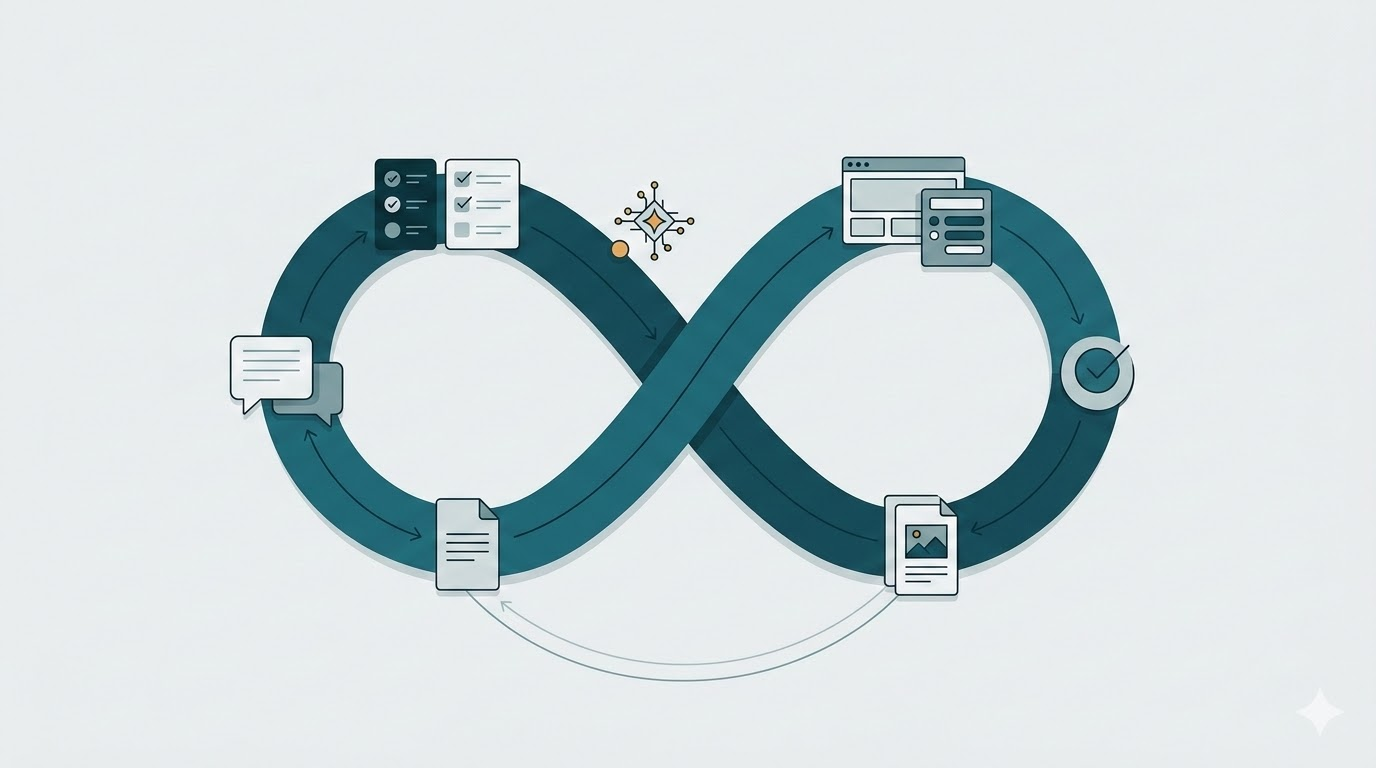
I run the prototype, gather feedback from stakeholders, and record that conversation too. Then I take that feedback and either update the prototype for another round or update the user stories with the new findings.
Once we’re aligned, I prompt AI to create a plan to implement the features in the production application. I give it both the user stories and the prototype as references. I tell it to follow the prototype for UI elements, look and feel, and behavior (everything we’ve already refined).
For the prototype, I let AI use whatever makes implementation easiest. It’s been choosing React with Vite, and that’s fine. It creates the prototype quickly. Then, when it’s time to build the production version, AI does a solid job of translating from React to Angular in my projects. It knows what to adjust.

Implementing the Production Version
When it comes to building the real thing, I have workflows that handle both front-end and back-end based on my opinions and approaches.
If it’s a brand new area where we don’t have much existing code, I use a different workflow. It tells AI to create the API endpoints first, but stub the responses. I have workflows that create endpoint tests, so I get passing tests for the endpoints right away. That means when the front end tries to hit those endpoints, they already exist and return stubbed data.
I refine the front end until it works well. Then I tell AI to implement the production version of the API endpoints.
What This Enables
This workflow, for working on not just a single story but features that make up an epic, has been powerful. The volume of changes I can make, the value I can deliver, and the number of problems I can solve following this approach are impressive.
And it keeps the human in the loop where it matters: in conversations with stakeholders to achieve clarity fast. By the time we build the production version, we already have a very clear idea of what we’re building and why.
The AI handles the translation, boilerplate, and setup. I handle the judgment calls, the refinement, the alignment with real needs.
It’s a workflow that emerged from noticing what worked. And right now, it’s working well.


Leave a Reply