Spreadsheets were one of the first things I learned on a computer. Before that, it was word processors—typing song lyrics so I could print them and sing along, or jokes I wanted to remember. And yes, pages of bad words in English. I’m still proud of that.
Then came MS-DOS commands. Then spreadsheets.
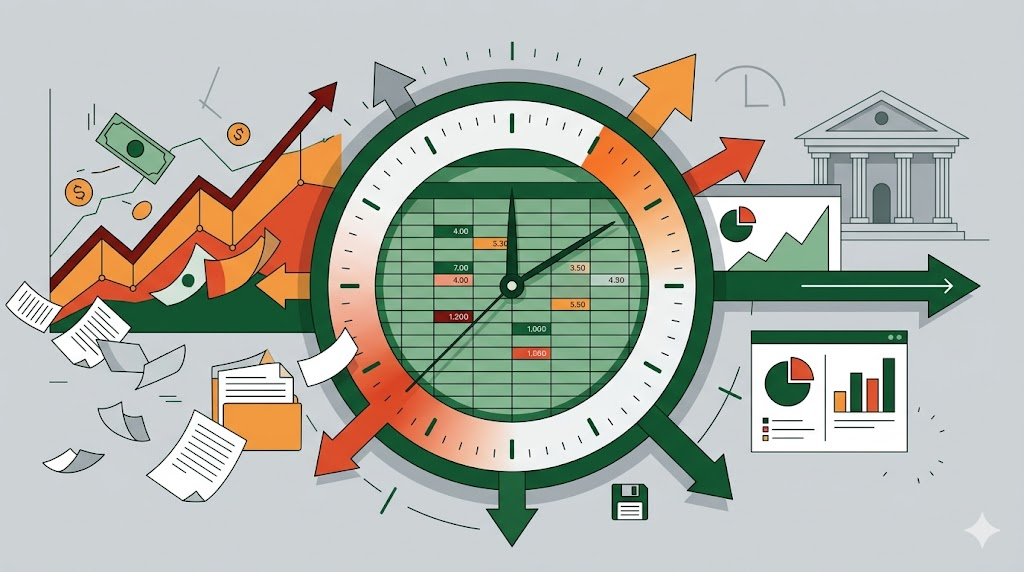
As a teenager working full-time, I was the errand runner. Every morning, I’d stop by the bank to get the previous day’s statement: deposits, payments, opening and closing balances. I’d bring it back to the financial clerk, who’d enter it all into a spreadsheet. Then I’d run errands all day, but I always had to wait until the very end to take payments and deposits to the bank.
I didn’t understand why at the time. Banks closed at 4:30, and companies kept accounts at the closest branch so someone could run there at the last possible minute. The goal was to delay payments as long as possible while getting deposits in as early as possible. Cash flow. The spreadsheet showed it all clearly: what money was coming in, what was going out, what we had to work with.
That’s when I learned what spreadsheets really do. They put the numbers in front of you so you can see clearly and decide what to do next.
The Feature Everyone Asks For
Every single application I’ve worked on, every piece of software I’ve built, there’s one feature that always comes up: “Can I export this to Excel?”
People ask because they’re looking at information in the system that raises questions they can’t answer within it. So they figure that if they can export the data—maybe from different screens or reports—into Excel, they can model it. They can find the answers they’re looking for.
They combine data from multiple exports. They create pivot tables. They apply conditional formatting to draw attention to patterns. They build charts that give them different perspectives, triggering new questions that eventually lead to decisions.
While they’re exploring, the spreadsheet is perfect. It’s malleable. They can turn the data around however they want, experiment with possibilities, follow their curiosity.
But once they find what they’re looking for and start relying on that spreadsheet to make decisions and take action, that’s when it should become a built-in feature of the system. They shouldn’t have to keep exporting to Excel.
Let Me See Your Spreadsheets
One of the first things I ask when I’m learning about a new client, a new project, or a new problem is: “Let me see your spreadsheets.”
Show me the spreadsheets you’re using to run your business. Not the ones the system generates for you, but the ones you created because the system wasn’t giving you what you needed.
Those spreadsheets tell me what’s missing. They show me the questions people are actually asking, the decisions they’re actually making, and the workflows that matter most. They reveal the gap between what the system provides and what people need to do their work.
The Death of the Spreadsheet As We Know It
Spreadsheets aren’t going away. But they’re changing.
For decades, spreadsheets have been the tool we reach for when we need to explore data, when we need to ask questions the system can’t answer, when we need to model possibilities. They’ve been the bridge between rigid systems and flexible thinking.
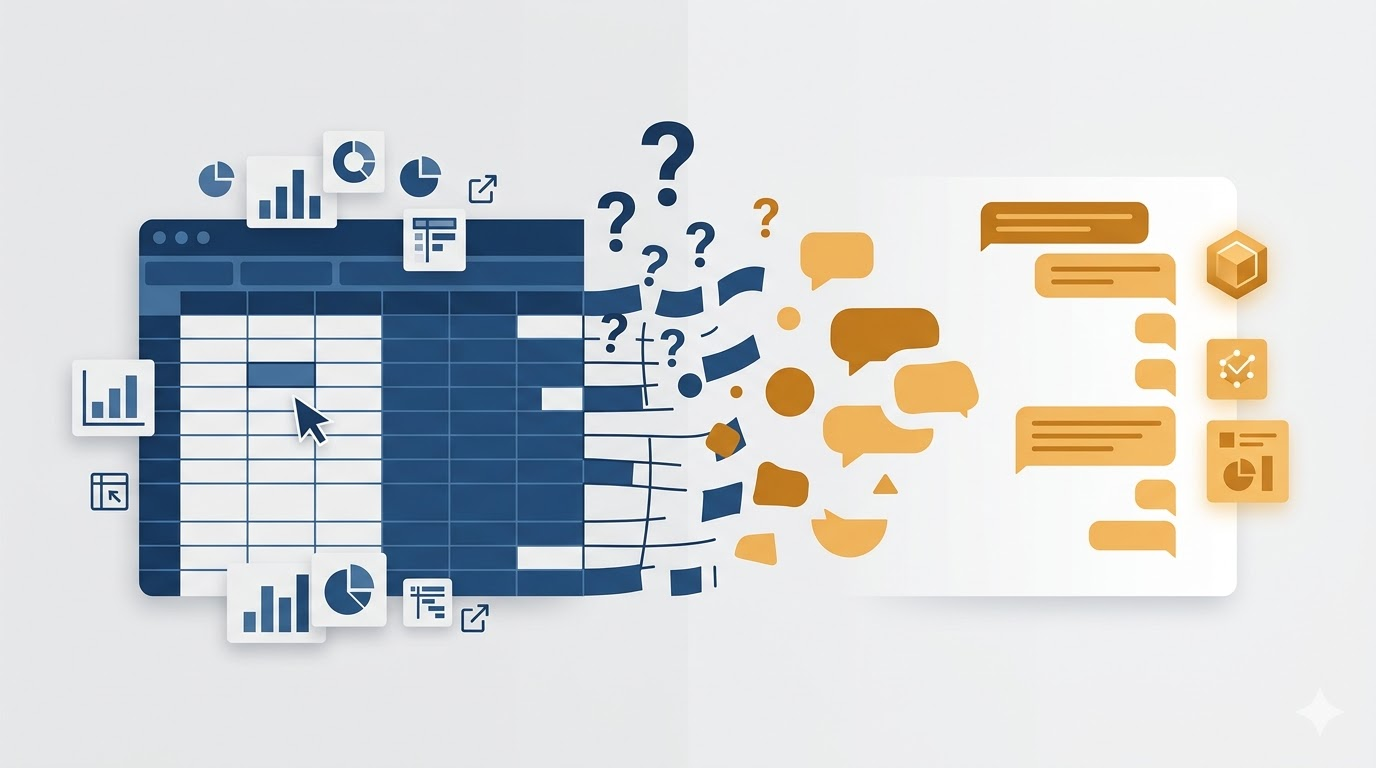
But now we have AI that can do that exploration for us. We can ask questions in plain language. We can say, “Show me the customers who haven’t ordered in six months but used to order weekly,” and get an answer without building a pivot table. We can say, “What patterns do you see in these sales figures?” and get insights without conditional formatting.
The spreadsheet, as an exploration tool and a question-asking tool, is being replaced by something more direct.
What remains is the spreadsheet as a calculation engine, as a modeling tool, as a way to structure thinking.
What This Means for Building Software
I’ve spent years building features that should have been spreadsheets first. Or building systems that forced people back to spreadsheets because the system couldn’t answer their questions.
The pattern I’m noticing is that the best software lets people ask their questions directly. It doesn’t make them export data to figure things out. It doesn’t force them to become spreadsheet experts to get answers.
But it also doesn’t try to predict every question. It stays flexible enough that when someone has a new question, they can ask it and get an answer.
That’s what AI makes possible. Not the death of spreadsheets, but the death of needing them as the only way to explore your own data.
The spreadsheet taught me that presenting information clearly helps people decide what to do next. That lesson still holds. We’re just finding new ways to create that clarity.



Leave a Reply