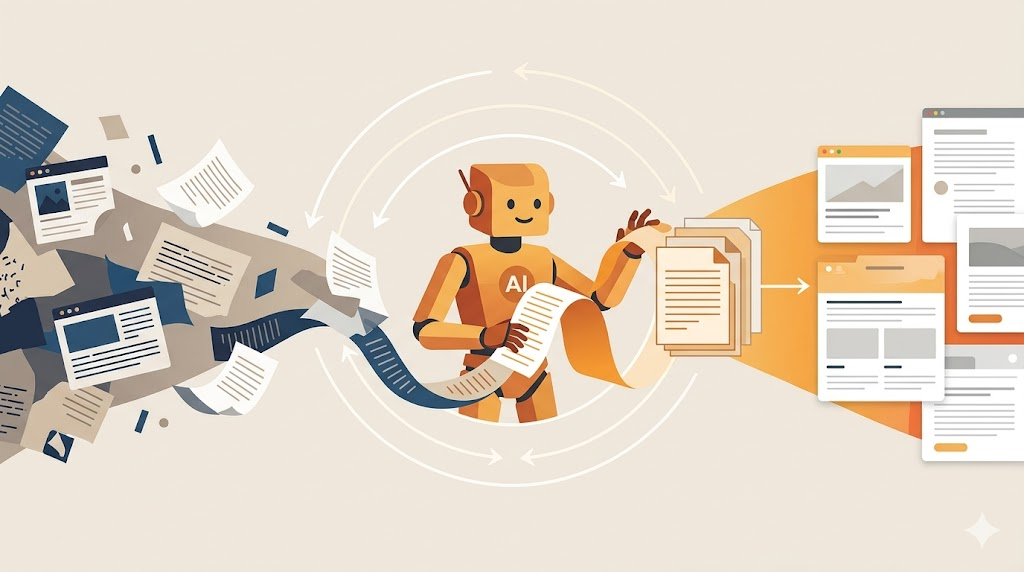
I was talking with someone recently about creating agents, and they said it sounded complicated. “I need to create an agent for that” feels like a big undertaking. But it doesn’t have to be.
Let me show you how I built a story-writing agent in a few minutes using tools you probably already have access to.
Prefer to watch? I recorded a video walkthrough of this entire process if you’d rather see it in action.
The Problem Worth Solving
Many teams struggle with writing stories (what many call user stories). They have problem statements, stakeholder conversations, and meeting notes, but turning those into well-formed stories takes time and practice. What if you could point an AI at your preferred approach to stories and have it draft them for you?
That’s what I wanted: an agent that writes stories the way I write them, grounded in the principles I’ve been teaching for years.
Finding Your Foundation
The first step is knowing what “good” looks like. For me, that’s years of blog posts about writing stories. I went to my blog and searched for “stories.” Pages of posts came up, each one reflecting how I think about behavior-driven development, cinematic stories, and starting with why.
You might have your own blog posts, or maybe you found someone else’s writing that resonates with you. Maybe it’s a video transcript, an article, or documentation from a framework you like. Whatever it is, that’s your foundation.
I took the URL to my blog’s search results and dropped it into a chat with Copilot (though you could use ChatGPT, Gemini, Claude, whatever you have). My prompt was simple:
I want to build an agent that writes user stories from a given problem statement or a transcript of stakeholder conversations. I like the approach to stories I found in this blog (https://lassala.net/?s=stories). Analyze that approach and create the instructions I should give to my user-story-writing agent.
What the AI Found
The AI read through my posts and pulled out the patterns:
-
I challenge the traditional “As a user” format
-
I reframe stories as something someone needs and wants, not something the system provides
-
I start with “In order to” (the why) before anything else
-
I focus on behavior before implementation
-
I write in first person, as if I am the person who needs this thing
-
Stories are inputs to conversations, not contracts
It generated a full instruction set: the role of the agent, core principles, format guidelines, what to avoid, how to work from transcripts, quality checks. I copied that entire block and pasted it into a new agent in Copilot.
Testing and Refining
I needed a problem statement to test it, so I asked Gemini to create one. It gave me a neighborhood tool-sharing platform scenario. Perfect.
I pasted that into my new agent and watched what came out.
The first attempt was close but not quite right. The stories were missing the persona. The “In order to” and “So that” clauses were redundant. The format wasn’t cinematic enough.
So I went back to my blog, found a specific post about cinematic user stories, and told the agent:
I don’t like the format of the stories created so far. Analyze this blog post https://lassala.net/2020/03/26/are-your-user-stories-cinematic/ and adjust the agent’s instructions accordingly. Also, make sure to include acceptance criteria and scenarios in Given/When/Then format for all stories.
I tried again. Better. The scenarios were now in first person. The Given/When/Then structure was there. But the stories still weren’t using the “In order to / As a / I want to” format I prefer.
I found another post about refining stories and fed that to the agent. Third attempt: much better.
Now the stories looked like this:
Story 1: Creating an Account
In order to participate in my neighborhood’s tool sharing community, as a neighbor, I want to create an account with basic profile details so I can lend and borrow tools.
That’s something I can put in front of stakeholders and have a real conversation.
The Point of This Exercise
You don’t need to be a prompt engineer or understand how agents work under the hood. You just need to:
-
Know what good looks like for you
-
Point the AI at examples of that
-
Test the output
-
Refine by showing it what’s wrong and what’s better
This works in Copilot, ChatGPT (using custom GPTs or projects), Gemini (using gems), Claude (using projects), or any tool that lets you set persistent instructions.
The key is the conversation. You’re not trying to get it perfect on the first try. You’re collaborating with the tool, showing it what you like and don’t like, pointing it to better examples, asking it to adjust.
What This Means for Your Work
A lot of people think creating agents is complicated. But if you have examples of the kind of output you want, you can build something useful in minutes.
Maybe you want an agent that writes test cases the way your team writes them. Or one that drafts architecture decision records in your preferred format. Or one that turns meeting notes into action items using your team’s conventions.
The pattern is the same: find examples of what good looks like, point the AI at them, test, refine, repeat.
Once you have an agent that works, it’s there whenever you need it. You drop in a problem statement or a transcript, and it gives you a starting point that’s already aligned with how you work.
Not perfect. Not final. But a solid draft that saves you time and keeps you consistent.
What could you build an agent for?



Leave a Reply