
There’s a pattern I’ve watched repeat itself across too many projects: the team or business decides to start with the CRUD features. Build out the lookup tables first. Get the dropdowns populated. Knock out the “easy” stuff before tackling the real work.
I’ve never seen it pay off the way people expect.
The Assumption Behind the Habit
The reasoning sounds logical enough. The more complex features depend on that reference data, so you need it in place before you can build anything meaningful. Categories, types, statuses. Get those done and you’ll be ready.
The problem is that this thinking treats CRUD as a foundation when it’s usually just scaffolding. And it delays the thing that actually matters: understanding how the business works.
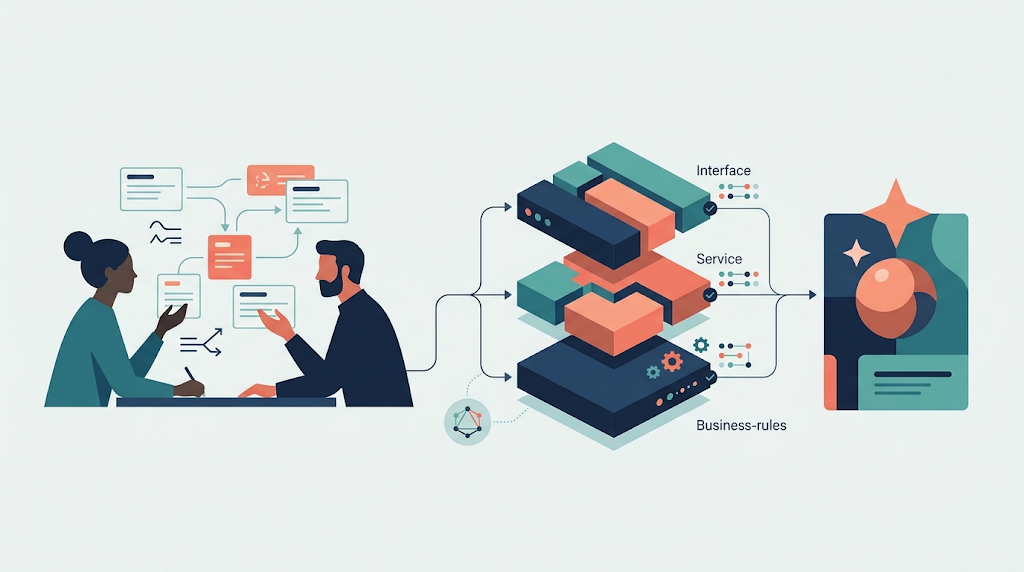
In my previous post, I wrote about how what looks like a simple CRUD screen often hides a workflow underneath. That observation has a companion: the data those workflows depend on rarely needs a full management interface before you can start building.
Seed It, Import It, Skip It for Now
When lookup data is genuinely simple (a handful of categories, a list of types that rarely change), you can seed it directly into the database. An import from a CSV or JSON file is often all you need to get that data in place so the real features can run. Saving and retrieving records from a database is a solved problem. The industry figured that out long ago. There’s no discovery left there, no uncertainty worth spending sprint capacity on.
What is uncertain is whether the workflows are right. Whether the process reflects how the business actually operates. Whether the edge cases have been thought through. That’s where the learning happens, and that’s where time is better spent.
What You Learn by Starting With the Workflows
There’s another reason to defer CRUD: building the workflows first often teaches you what the CRUD data should actually look like.
When you start with the dropdowns, you’re guessing the shape of the reference data. When you start with the processes, you discover it. The workflow shows you what needs to be selected, what context is needed at each step, and what relationships actually matter. By the time you circle back to build the maintenance features for that data, you have much better information.
There’s also a question of placement. Once you’ve worked through the workflows, you may find that what seemed like a shared lookup table belongs closer to a specific process. Pulling it closer to where it’s used gives people better context. It makes the application feel more coherent, less like a collection of separate admin screens.
The Worst Case Is Still Shippable
Here’s the scenario I find worth naming: what if you start with the workflows and run out of time before building the CRUD maintenance screens?
You can still ship. Any of these gets the reference data in place without a custom-built interface: an import file, a seeded dataset, an off-the-shelf admin library. That’s a reasonable V1. The business can operate. The important processes are in place. The lookup data management can come later, or be handled out of band until the application needs it.
Flip the order and you get the opposite problem: polished lookup screens, no working processes, nothing valuable for the business to use.
A Different Kind of Prioritization
I’m not saying CRUD is unimportant. Some of it is genuinely necessary, and some of it turns out to be more than it appears (which is the point the previous post was making). What I’m saying is that it shouldn’t come first.
Start with what the business cares about: the workflows, the state changes, the processes that create value. Build an understanding of those before spending time on maintenance screens that could be seeded with a script.
What I’ve learned is that the order in which you build things shapes how well you understand them. And how much of that understanding makes it into the software before the project runs out of time.



Leave a Reply