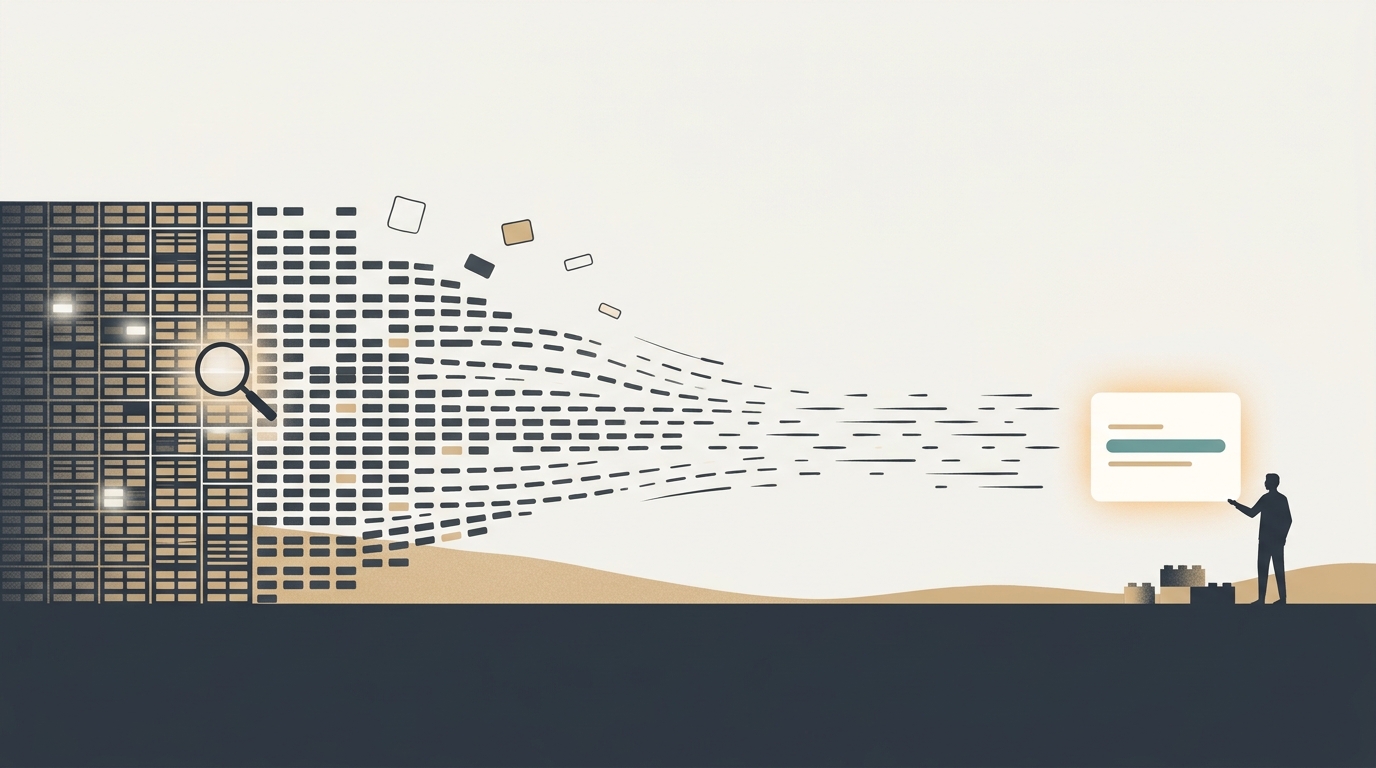
Something looks wrong in the app. A screen is missing rows it should have, or it shows a value I didn’t expect. The data is probably at fault: something didn’t get written, or it got written with the wrong shape.
A year ago, I’d open the database tool and go looking.
The Explorer I Trusted
Our data lives in Postgres, stored as JSON documents in JSONB columns, written by MartenDB. That means “looking at the data” was never a simple table scan. It was a row with a big JSON blob in one column, and me clicking through it, expanding nodes, scanning for the field that mattered.
JetBrains Rider had the best tool for that job. Its database explorer made navigating rows and working with JSON columns convenient and productive. I liked it enough that it was the last thing I kept opening Rider for.
I had a rhythm. Find the table, find the row, expand the JSON, read the fields, run a query when the row wasn’t enough. It worked, and it was entirely about the mechanics of getting to the data.
I Stopped Asking Where to Look
Now I don’t open a database explorer. I prompt my tool and explain what I expect to see.
Instead of naming a table and a row, I describe the situation from the outside. I verified a story and the screen doesn’t reflect what the story says it should. The order should be in a confirmed state, and the customer record should show it. The tool works out the rest: which tables to query, which columns matter, how to get from one to the other.
I’m no longer thinking about the data model, or the joins, or which columns to project in the query. I’m describing what I know and what I need to find out.
It Isn’t the Model Figuring It Out
I want to be precise about why this works, because “the AI figures it out” is not what happens.
I have a reusable prompt, a skill, that tells the tool how to do this for this system. I describe what I’m looking for, and the skill points it at the story I’m verifying, the code that implements it, and the data model behind it. From there it knows which tables map to which models, how to query them, and how to format the response so it answers the question I actually asked.
That last part matters as much as the query. A raw dump of rows is not an answer. I want the output shaped around the question I’m trying to answer, so I can look at it and decide.
The skill is the durable piece. The model runs it.
When I Need to Poke Around, I Build the Poker
There’s a limit to this approach. Sometimes I don’t know what I’m looking for yet. I want to move through the data, follow a thread, see what’s there before I know what question to ask. That is closer to what the explorer was good at.
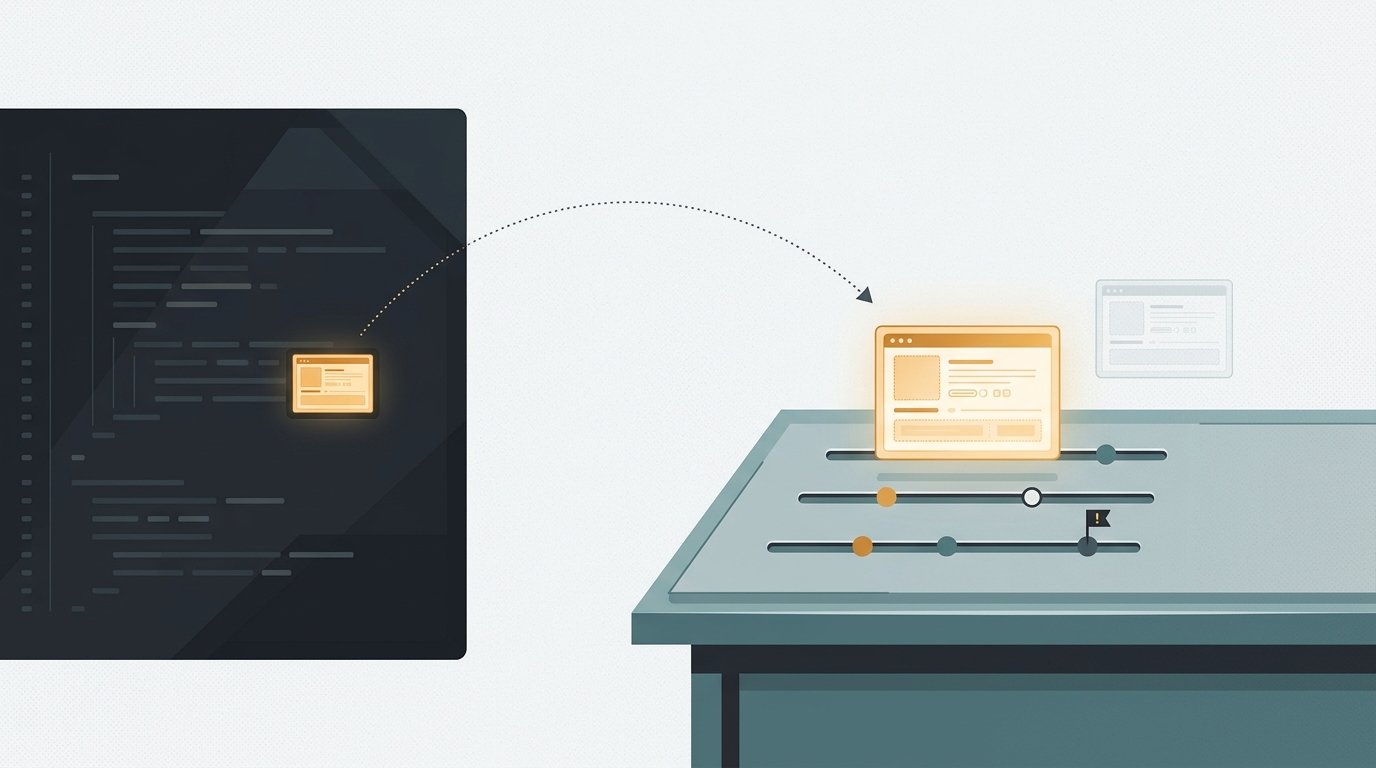
I can still do that, and the tool isn’t a fixed product anymore. If a task calls for moving through this data, I can build a small tool for it in a few minutes. Sometimes it’s for one investigation and I never use it again. Sometimes it starts that way and grows into something tailored to a project: a view of the data shaped for the decisions I keep making on that project, and a different one for the next project.
An explorer gives me the same table browser for every task. A small purpose-built tool can give me exactly the view the task needs.
The Same Move I Ask of Users
I’ve argued before that we should stop giving users data and build for insight. A grid of 80 columns answers a question the user never asked. What they wanted was an early warning.
The explorer handed me rows and JSON. I wanted the insight underneath them: why this order never got confirmed, what that says about the flow the story was supposed to describe. For years I was the user stuck at the bottom of the ladder, browsing data, building the insight in my own head.
The difference is that now the step from data to insight happens in the tool, and I spend my time on the part that needs me: knowing what I expect to see and judging what comes back.
That feels like a better place to stand. It also took me longer to get here than I would have guessed, since the tool I was leaving behind was genuinely good.


Leave a Reply