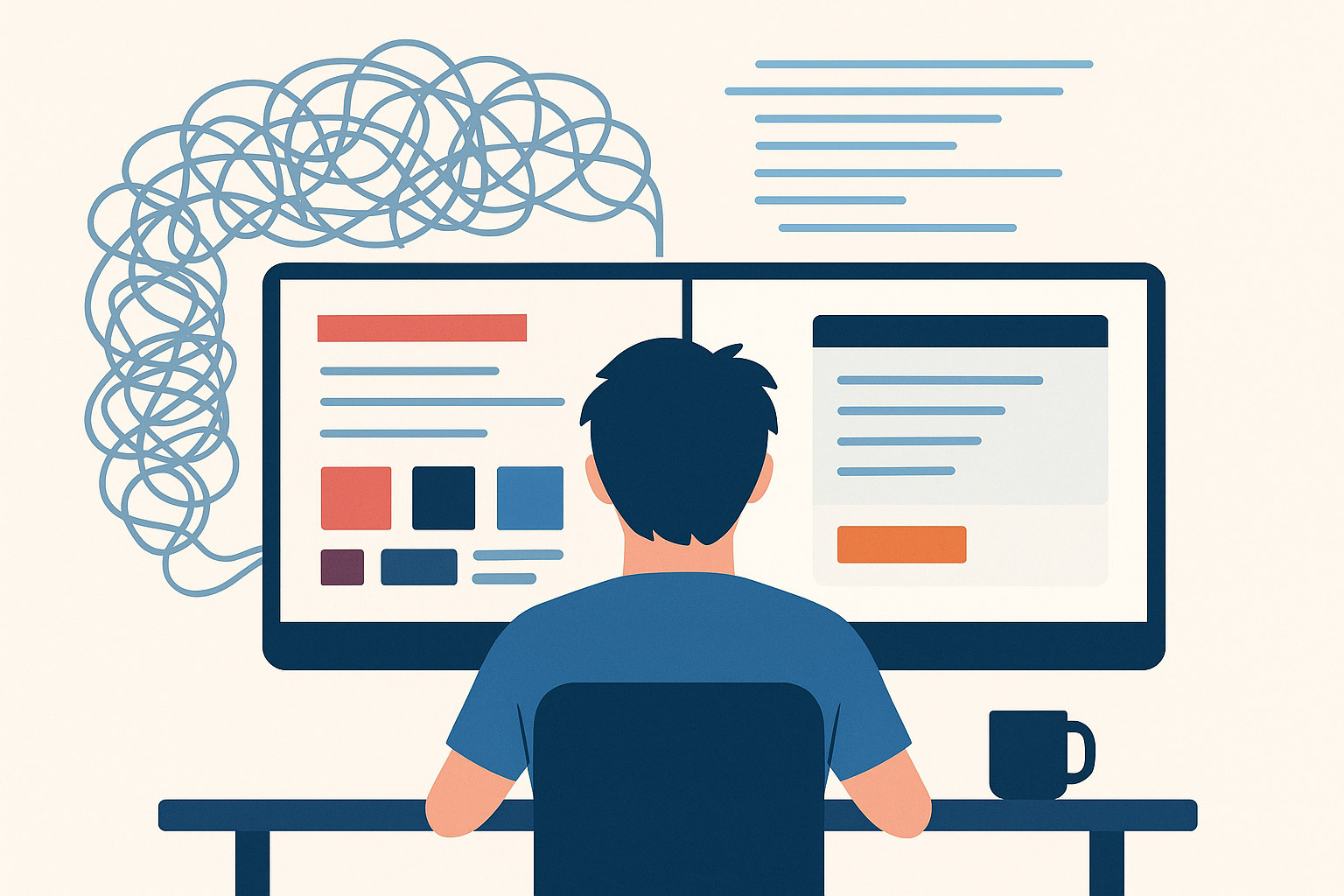
For many developers, “user experience” has long been synonymous with aesthetics: buttons that pop, colors that please, interfaces that shine. But if you’ve ever built software that looked polished on the surface while frustrating the people who relied on it, you know there’s a bug in that assumption.
UX is not about making things pretty. It’s about making them pretty useful.
Temple Grandin puts it bluntly in Visual Thinking:
Even the most superb, beautiful mathematical code is not going to be successful if the user interface is a cluttered mess that is difficult to use. No user is the least bit interested in hour-long classes on how to use a program.
Why Developers Should Care About UX
After 30 years of writing software, I can’t recall a single project where messy UX coexisted with beautiful code. The two tend to mirror each other. A cluttered interface usually hides cluttered logic. Clean, thoughtful UX often leads to clean, thoughtful code.
That matters because UX is more than a layer of polish; it’s a catalyst. A good experience:
- Leads to happier users (and fewer support calls).
- Makes features easier to implement.
- Lowers the barrier to writing automated tests.
- Encourages cleaner code structures.
Anticipate and Compensate
One of the most potent lessons I’ve learned is this: anticipate and compensate.
When we write if statements or rules engines, we’re encoding questions: Is the fiscal year locked? Does the customer have pending payments? Those same questions are in the user’s head. If we hide the reasoning behind a disabled button, we force the user to guess. Or worse, call customer support, which may require us to call them in return.
Instead, surface those rules. Show the user why the button is disabled. Give them the same clarity you’d want if you were sitting next to them, debugging.
Speak the User’s Language
Words matter. For years, I built screens with Cancel, Delete, Save buttons. Then I realized: users don’t talk like that.
- Customers cancel orders; they don’t “delete” them.
- A salesperson doesn’t tell a customer, “I’ll save your order.” They say, “I’ll place your order.”
- Dismissing a dialog isn’t the same as canceling a transaction.
Using business language reduces confusion and builds trust. It shows respect for the world users live in, not the technical jargon we hide behind.
Build for Tasks, Not Just Data
Too many apps still treat UX as a way to navigate giant data grids. But real users don’t want “all the sales orders.” They want this customer’s open orders. They don’t want every field on a form; they want to complete the one task in front of them, with the information they have right now.
That shift, from CRUD screens to task-based UIs, simplifies life for users and developers alike. It makes the UI easier to navigate, the code easier to test, and the intent behind features much clearer.
Collaborate Across Roles
Most projects I’ve worked on didn’t have dedicated UX designers. The burden fell on developers to make UX decisions, often without training. Even when designers were involved, poor collaboration often blunted their impact.
The better we developers understand UX principles, the better we can:
- Make good decisions when we don’t have designers.
- Collaborate productively when we do.
Closing the Gap
At its core, UX is about empathy. It’s about remembering that our software is just a tool in someone else’s messy, noisy, stressful day. They’re not thinking about “loading data from the backend.” They’re thinking, ‘These options don’t work for me. Do you have other options?’
When we anticipate questions, use the correct language, and design for real tasks, we close the gap between what software does and what people need.
So the next time someone says UX is about “making things look pretty,” remember: it’s not about pretty. It’s about pretty useful.
Here’s a full video of a presentation where I go over this topic:


Leave a Reply