I recently had the opportunity to work with Doug, who has been experimenting with incorporating AI into his development workflow. He has found success with smaller, tactical tasks—such as generating unit tests, cleaning up code, or performing repetitive file edits—but the leap from user stories to working code has felt elusive.
That’s a challenge I’ve heard from many developers: How do you move from a vague business request into something AI can actually implement?
Start with the Story
Doug shared an example: his product owner requested a “safety topics tab” similar to an existing “resources tab.” His instinct was to hand that short description to AI and see what came back. The result wasn’t terrible—it even split the story into two perspectives (user and admin)—but it left him feeling uncertain. Shouldn’t one story capture both?
The key lesson: context matters. AI will make things up if you don’t provide enough grounding. That’s no different from handing the same minimal description to a junior developer and expecting them to build something useful.
Embedding Context in Projects
One of the most potent steps is to create a dedicated project space for AI collaboration. In ChatGPT, that means setting up a project with:
- A business domain description (high-level, non-technical)
- Links to guiding articles (like my post on cinematic user stories)
- Project instructions (the style and format you want for stories and acceptance criteria)
This enables AI to maintain a persistent memory of your context and expectations, rather than starting from scratch each time.
When Doug dictated the high-level purpose of his app—helping small freight companies manage compliance, track licenses, and train drivers—it immediately became clearer how AI could shape meaningful user stories.
From Story to Implementation
Once you have well-formed stories, you can bridge into design and code:
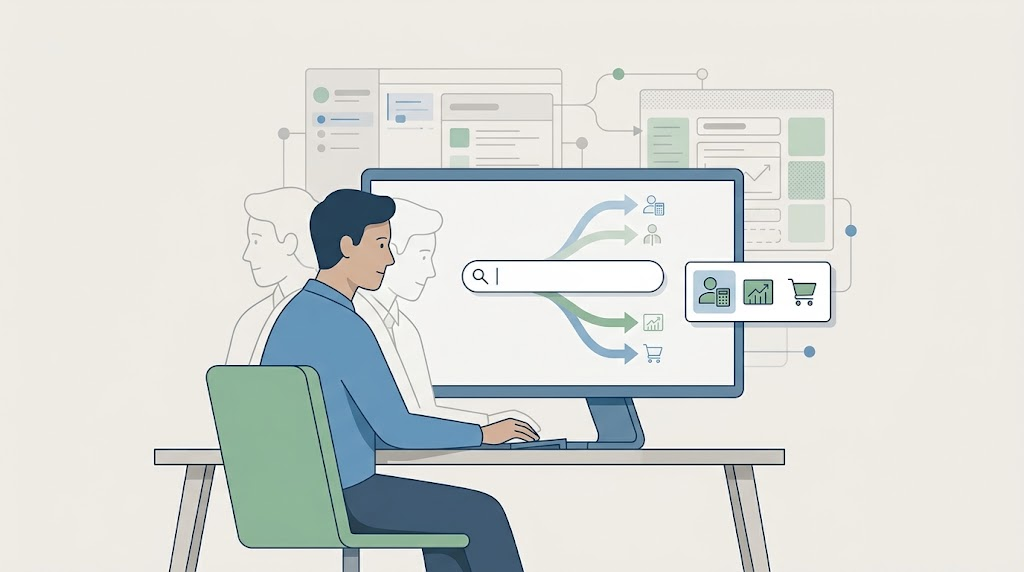
- Design endpoints first. Don’t jump to implementation. Start with JSON structures, permissions, and request/response shapes.
- Stub the endpoints and write integration tests. Ensure the contract is in place before commencing construction.
- Generate controllers and UI components. Use existing examples (like an existing controller) as references.
- Iterate and refine. Review what AI produces, make changes, and then ask it to update instructions based on your edits.
This cycle builds a library of instruction files (markdown in a docs/ folder) that capture your evolving standards and patterns.
Communication Is the Real Skill
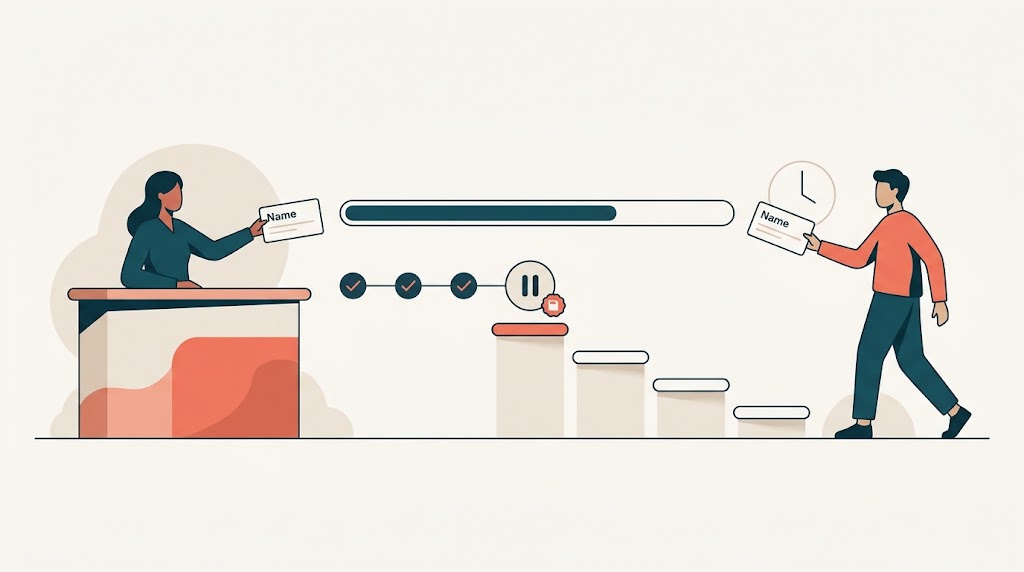
What struck me most is how clearly this mirrors human collaboration. If we can’t articulate what we want—verbally, in writing, or visually—then both people and AI will struggle to deliver. Confusing communication leads to confusing code.
The good news is that communication is a skill that can be practiced. Dictating, drawing mockups, writing clearer stories—these aren’t extra steps, they’re part of the craft. And the developers who lean into that will shine.
My Takeaway
You likely have heard this before: It’s not AI that will take jobs, but rather people who utilize AI effectively. And using it well isn’t about perfect prompts or picking the “right” model. It’s about clarity, iteration, and persistence. As with any tool, the best way to learn is to start where you are, try, and adjust.
Doug left our session ready to practice, having built instructions for user stories, endpoints, controllers, and tests. That practice is where the magic happens: over time, the AI has your patterns, and you build the muscle memory of steering it toward meaningful results.
Reflection: Where in your own workflow could you start embedding context for AI to build upon? What’s the “docs folder” your future self will thank you for creating?



Leave a Reply