
I was walking a colleague through some of my workflows this week when I showed her something that made her pause: my project workspace in Windsurf has four folders, not two. The frontend repo, the backend repo, and then two folders from completely different parts of my filesystem. One is a folder in my Obsidian vault. The other is a product backlog folder elsewhere.
“Wait,” she said. “You can just… add any folder?”
Yes. And that’s when I realized this pattern I’ve been using for months might not be obvious to everyone.
The Workspace Feature Nobody Talks About
VS Code has had workspaces for years. Cursor and Windsurf inherited the feature. Most people use it to combine a frontend and backend repo. That’s useful, but it’s just the beginning.
A workspace is just a collection of folders. They don’t have to be related. They don’t have to be code. They can be anywhere on your filesystem.
So I started asking: what if I brought my notes into the same workspace as my code?
What This Looks Like in Practice
In my project workspace, I have:
-
The frontend repository
-
The backend repository
-
/Documents/Vault/Projects/ProjectXYZfrom my Obsidian vault -
A product backlog folder with markdown story files
When I’m working on a feature, I can ask the AI to look at the code and my sprint notes. I can reference my understanding of domain concepts I’ve documented over months. I can connect a story in the backlog to the implementation in the codebase.
The AI sees it all in one context.
Why This Works
The magic isn’t in the folders themselves. It’s in the cross-context analysis.
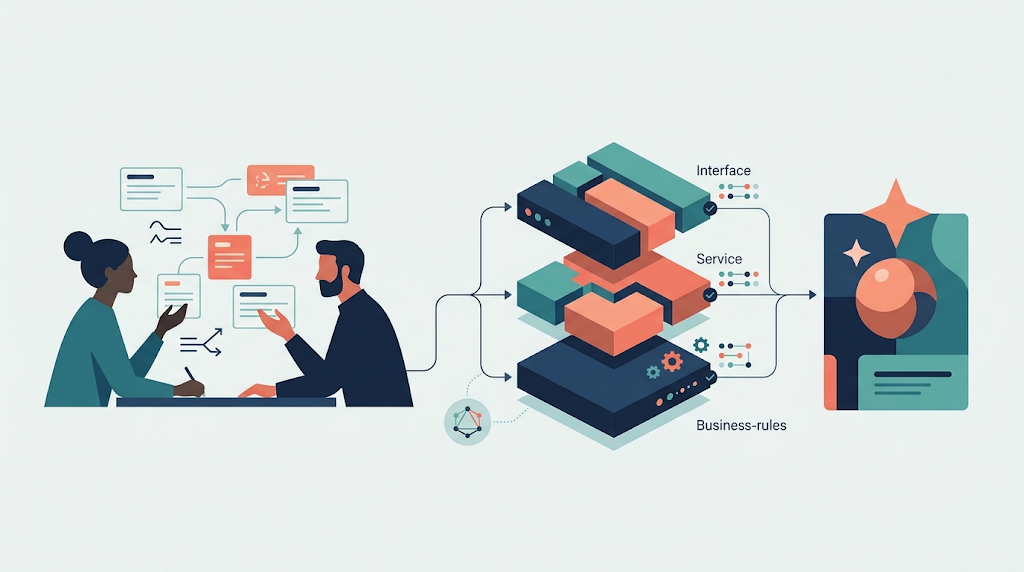
I built a skill that takes story markdown files and generates an HTML visualization. I can point it at the product backlog folder, and it creates a formatted view of the stories I’m interested in. That skill lives in my global workspace, but it operates on project-specific content I’ve temporarily added.
When I’m refining my understanding of my project domain concepts, I can tell the AI: “Look at my Obsidian vault, the ProjectXYZ folder. Look at the codebase. Here’s what I used to think about this concept. Here’s how my thinking has evolved. Help me create a taxonomy.”
It reads my notes. It reads the code. It suggests how to reorganize my thinking based on both.
The Temporary Folder Pattern
Not every folder needs to be permanent. Sometimes I add a folder just for a specific task.
Recently, I was consolidating a product backlog. I added that folder to my workspace, ran my visualization skill, reviewed the output, and then removed the folder. The workspace went back to its normal state.
Add context when you need it. Remove it when you don’t.
What I’m Learning
This combination of Obsidian and AI tools has been great.
The workspace feature was there. I just didn’t see the possibility until I needed it.
I noticed other folders I could bring in. Meeting notes. Client documentation. Research I’ve done on specific patterns. Anything that’s markdown, anything that adds context to the work I’m doing.
The question isn’t “Can I add this folder?” The question is, “What context am I missing that would help the AI help me better?”
A Bridge Between Two Worlds
Personal knowledge management and professional development work usually live in separate tools. Obsidian for notes. IDE for code. Never the two shall meet.
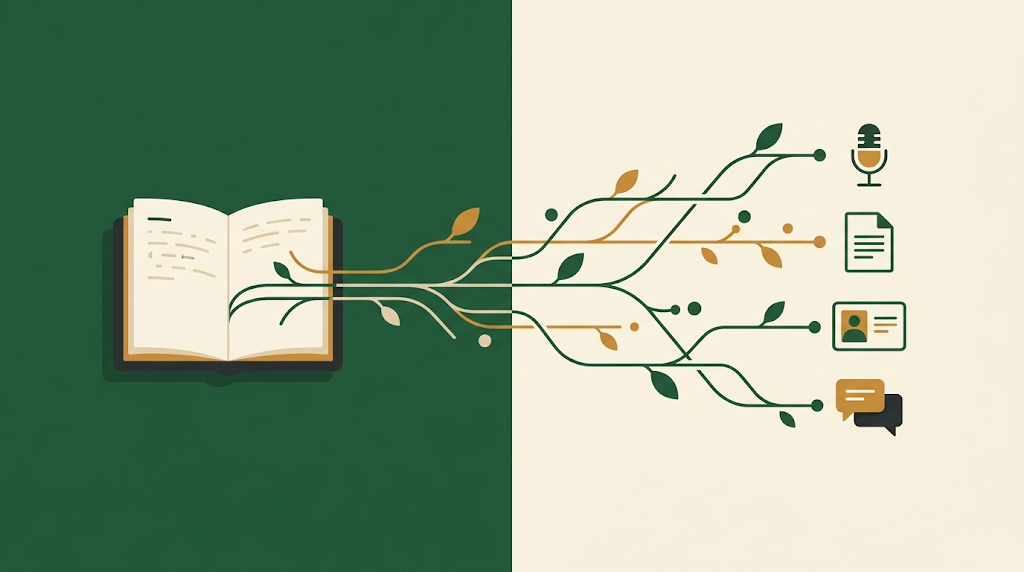
But they’re both just folders of text files. And workspaces don’t care where those folders live.
So now my sprint notes sit next to my source code. My domain understanding sits next to my implementation. My thinking sits next to my doing.
That integration changes how I work. Not because the tools got smarter, but because I stopped assuming they had to stay separate.


Leave a Reply