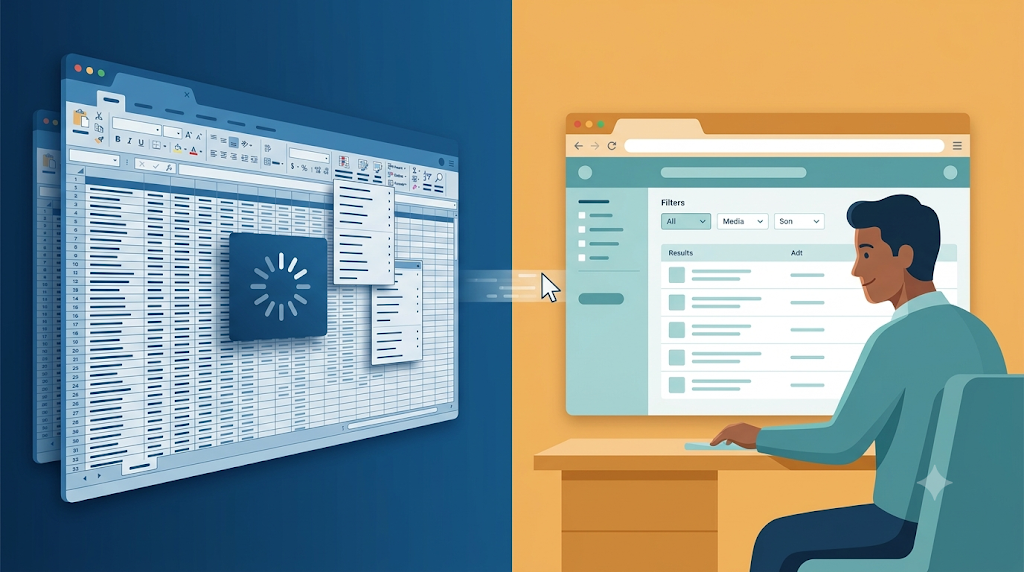
A client once rewrote a Java client-server application as a web application. After a long effort, it still had not launched. Java was fine. The team had built Excel in the browser.
“I want Excel in the browser”
The product owner was honest. “What I want,” he said, “is Excel in the browser.” He was describing how he explored data: open a sheet, filter columns, move things around, compare numbers, build his own view. The existing system could not give him that, so he assumed the rewrite should replicate Excel.
The team took that request literally. They built a search screen with eighty filter dropdowns. Each dropdown loaded thousands of rows. The screen timed out before the page finished loading.

I asked which of those eighty dropdowns users actually used.
The answer was fewer than six. The rest were artifacts of the old client-server interface, copied forward into the web app because nobody had asked why they existed.
When the UI becomes a database dump
The same screen loaded a grid with hundreds of columns and potentially thousands of rows. Nobody was going to scroll through them. Users would drag the columns they cared about to the left, look at the data, and leave the screen. When they came back, the layout reset. They got angry and did it again.
The real problem was a mismatch between what the system delivered and what the human needed. The system was presenting the whole database. The human wanted a focused answer to a specific question.
In Show me your Spreadsheets! I argued that the spreadsheets people create outside the system reveal the questions the system fails to answer. The product owner wanted an Excel-like experience for exactly that reason. He could not get the answers he needed from the application, so he reached for the tool that let him explore.
Asking the spreadsheet question in the AI era
The spreadsheet is still a signal. In The Spreadsheet Question I updated that idea for the AI era. People still export data when the system cannot answer their questions. AI can now help them ask those questions directly, but the pattern is unchanged: if users are building their own tools around your system, your system is missing something.
The rewrite should have started from that observation. Instead, it tried to reproduce the old interface and the old data dump inside a browser. The browser is a different medium than the old client-server runtime. It requires different answers.
Progressive disclosure and user settings
The fix was to remove assumptions.
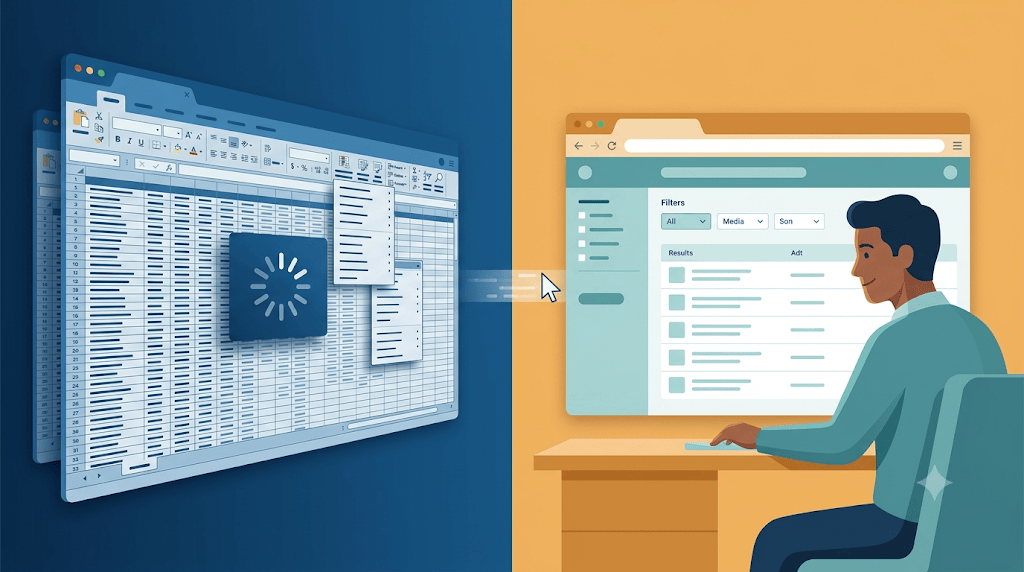
We removed the wall of dropdowns and showed the common filters first. The rarely used filters hid behind an Advanced toggle. Users could still reach them, but they did not pay for them on every load. We stopped loading thousands of rows into the grid and started with what the user asked for. We saved the user’s column arrangements as preferences so the layout stayed where they put it.
These small UI changes led to a better user experience that decides whether a system launches.
User experience is more than a coat of paint. In User Experience Is Every Developer’s Responsibility I argued that backend choices land directly on the user as frustration. An endpoint that returns eighty dropdowns of data, a grid that loads thousands of rows, a query that times out before the page renders: these are experience problems created by backend-shaped thinking. Users blame the tool when it is unusable, no matter which layer caused the timeout.
The rewrite that could have launched
The client had good developers. Their plan was flawed: recreate the old system in a new stack and make it look like Excel. They needed to understand why the user wanted a spreadsheet in the first place, then design a web experience around the answers.
A rewrite is a chance to stop dumping the database on the screen. It is a chance to ask what questions the user is trying to answer, how they explore, and how much information they can actually use at once. If you skip that step, you will build the same pain on new hardware.
This is a post in the series “The Software Does Not Work – Rewrite It: Lessons from Two Decades of Replacing Legacy Software.”
- The Software Does Not Work – Should We Rewrite It?
- The Floppy Disk Handoff: When the Source Code Lies to You
- A 24/7 Operation: The Rewrite That Didn’t Need to Stop the World
- 500 Screens, One Idea: What Users Actually Need
- There Is No Domain (Yes, There Is): Pipeline Inspections and the Dynamic App
- Why Calling FoxPro Forms from .NET Hurts
- When Silverlight Died, We Didn’t: The Thin UI Bet
- Excel in the Browser: A Rewrite That Never Launched – This post
- A Year and a Half Without a Database
- What I Still Believe About Software Rewrites




Leave a Reply