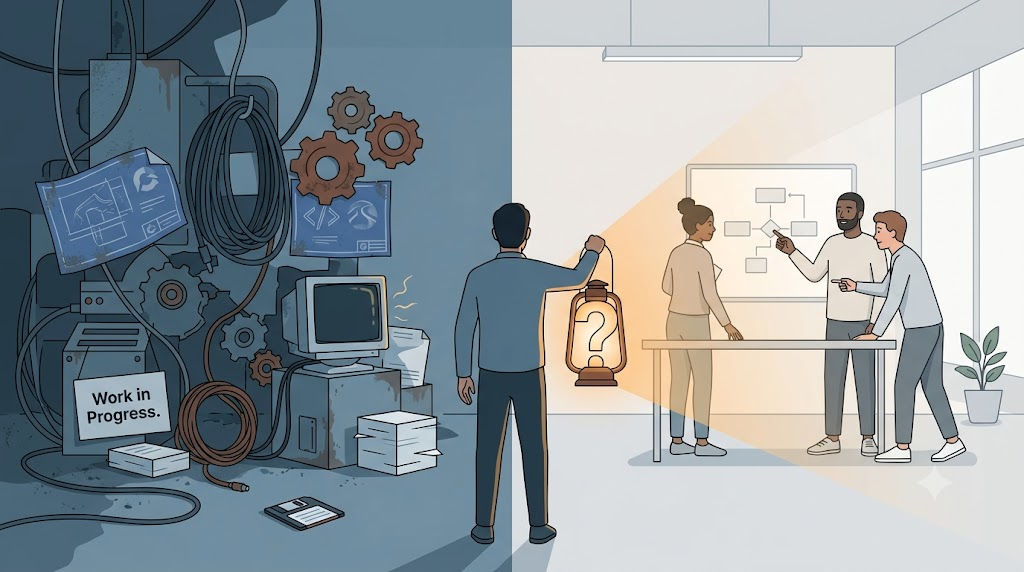
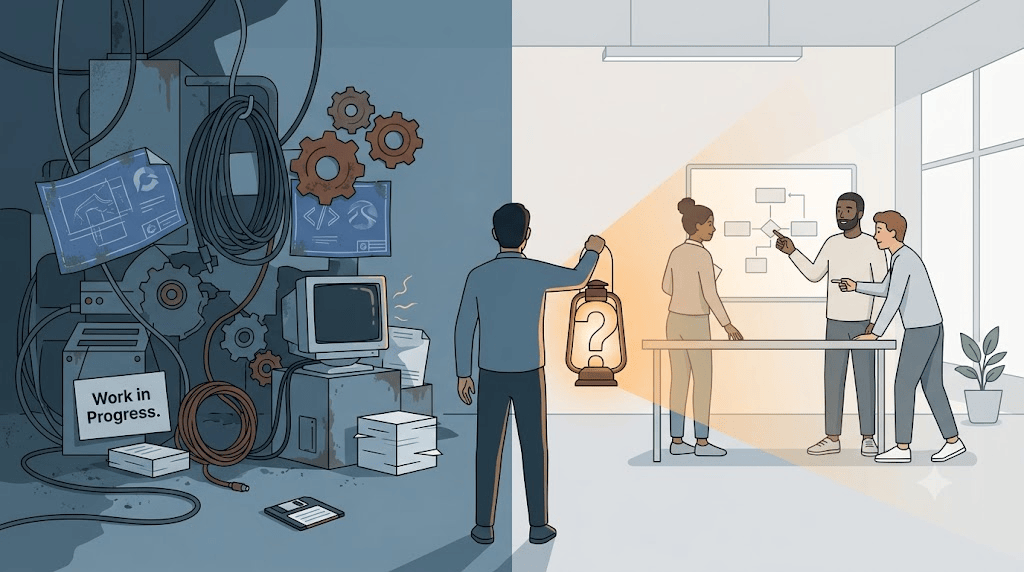
I have heard the sentence more times than I can count: “The software does not work. Rewrite it.”
It sounds like a decision, but it is usually the beginning of a long, expensive argument with reality. I have been on the wrong side of that argument enough times to know that the words we use at the start of a rewrite matter much more than the technology we pick.
Since 2002, most of the projects I have worked on have been migrations or rewrites. FoxPro to .NET. Old Visual Basic to something newer. Client-server to the web. Greenfield projects that turned out to have a legacy system hiding in the requirements. Every single one taught me that the real risk is assuming we understand what we are replacing, not the language or the framework.
Why we reach for the rewrite
There are good reasons to rewrite software. Outdated technology is one. I watched the FoxPro community push that tool as far as it could go, long after Microsoft made it clear the road was ending. At some point, the hardware and expectations around the software outgrow what the tool can do. A report that freezes the application for five minutes was acceptable once. It is not anymore.
Then there is the bad technology bet. You picked a platform because it made sense at the time, and the vendor walked away from it. Silverlight is my favorite example. It was the right answer for a cross-platform project I worked on, until it was not. When the platform dies, the application does not necessarily die with it, but you do have to decide what to keep and what to rebuild.
Sometimes the code itself is the problem. A business starts with Excel, grows into a small application, and keeps growing. Nobody stops to clean up the architecture. After enough years, nobody wants to touch the code. That is a real condition. But it is also a condition that is easy to misread. “Unmaintainable” can mean “we do not understand it.” Not understanding something is different from the thing being wrong.
And then there is politics. A company gets acquired. The new owner runs Java, so the .NET system has to go, or the other way around. That is a constraint, not a technical decision. Treating it like a technical decision is how you end up rebuilding the wrong thing for the wrong reasons.
Legacy is a behavior, not an age
I used to think legacy code meant old code. Legacy code is not old code. Code written yesterday can be legacy because the team is afraid to change it. Decades-old code can be a pleasure to work on because it was built with care and tests.
Michael Feathers called legacy code code without tests. I have learned to think of it more broadly: legacy code is code nobody wants to deal with. It might be because it has no tests. It might be because the names make no sense, or the dependencies are tangled, or the person who understood it left three restructurings ago. Age is only one possible cause.
That matters because the rewrite does not fix it. If the team writes the new system the same way the old one was written, the new system becomes legacy just as fast. I have seen it happen. The only difference is the date on the file.
The question behind the rewrite
Before we talk about languages or databases or microservices, I ask a simpler question: do we really need to rewrite?
There is a spectrum. On one end, you draw a hard line. Up to this date, the old system runs the business. From that date forward, the new system does. Historical data stays where it is. On the other end, you need a seamless transition. Users do not care whether the data came from the old system or the new one; they just need it to work.
Both are valid. Both require different plans. And both get expensive fast if you assume you have to replace every screen.
Almost every legacy system I have seen has features that nobody uses. They grew there over years because someone asked for them once, and removing things is harder than adding them. Rewriting everything is a great way to spend money rebuilding shelves no one opens. The Pareto rule applies: a small slice of the system produces most of the value. Find that slice first.
Then there is the automation fantasy. People love to ask, “Can we just push the old system through a tool and get a new one on the other side?” The database, yes. The data, mostly yes. The reports, sometimes yes. The business logic, no (AI helps with that now). The screens, even if you could, you probably should not. I will get into that in the next posts, but the short answer is that tools are great at moving structure and terrible at moving meaning.
The real trap
The biggest trap in a rewrite is rebuilding the old system in a new language. It is comfortable. It looks like progress. It is also a missed opportunity.
A client once asked me to add a delete button to a product screen. I asked why. It turned out they were not selling the product anymore. They did not want to delete it. They wanted to discontinue it. Those are different things. Delete is a technical act that removes data. Discontinue is a business act that keeps history available to accounting while hiding the product from future sales. Building a delete button would have solved the stated request and created a new problem.
That conversation is the whole job. The client asks for cookies. If I ask why, I might learn they need an apple. This sounds simple, but it is the first thing teams skip when a rewrite starts. Everyone is in a hurry to write code. Code is the easy part.
The same pressure shows up when we decide where to start. Do we start with the front end, the back end, or the database? The database is usually the most stable part once a system has been running for a while. Business logic changes less in most applications than people think. The user interface, on the other hand, changes constantly. Not just because users ask for new buttons, but because the technology itself keeps changing. WinForms, WPF, Silverlight, Angular, React, whatever comes next. If you know you will rewrite the UI again in the not-so-distant future, the only sane move is to put as little code there as possible.
The hard part is not the technology
In 2000 I would have told you I was a FoxPro guy, then a .NET guy. Now I think the stack is a detail. You can write beautiful software in some old stack and terrible software in the latest framework. The reverse is also true.
What matters is whether the people building the new system understand the business the old system was serving. The developers who worked on the legacy system know things that are not written down anywhere. They know why a report exists. They know which edge case only shows up in March. They know the workaround the warehouse team uses on Fridays. If the rewrite team ignores them, it will rediscover all of that pain the expensive way.
I have learned to ask the legacy team about business challenges, not technical tricks. The feature that was fun to write in FoxPro is not necessarily the feature that kept the business alive. The fun part is a distraction. The survival part is the point.
What this series is about
Over the next several posts, I will walk through eight projects that shaped how I think about rewrites:
- A business whose Visual Basic source code did not match the executable, and whose manual said “Work in Progress. Check with Joe.”
- A 24/7 logistics company that replaced its front end, then its database, then its back end without ever shutting down.
- A software with five hundred screens that users did not actually need.
- A team that swore there was no domain in their business until one question proved otherwise.
- A FoxPro shop with a thousand forms that tried to call them from .NET and learned why business logic cannot live in the UI.
- A Silverlight project that survived the platform’s death because the UI was a thin shell.
- A Java client-server app that tried to become “Excel in the browser” and never launched.
- A year-and-a-half project that had clickable screens and no database while the team learned the business needs.
Some failed because we asked the wrong questions; some succeeded because we separated what changes from what stays. The UI is a replaceable shell. The real system is the conversation, and the code is the record that comes after. The pattern across all of them is the same: a rewrite matters only if it solves the right problem for the people who use it.
I have also written about many of these ideas over the years. I have described legacy code as something people want to run away from, front-end technologies as the most perishable part of any stack, and the human need that survives every tool change. The tools in those posts are different from the ones in the stories, but the lesson is the same.
So before you rewrite, ask the hard questions:
- What are we keeping?
- What are we leaving behind?
- Who are we building it for?
- What do they actually need?
The rest is implementation.
This is the first post in the series “The Software Does Not Work – Rewrite It: Lessons from Two Decades of Replacing Legacy Software.”
- The Software Does Not Work – Should We Rewrite It? – This post
- The Floppy Disk Handoff: When the Source Code Lies to You
- A 24/7 Operation: The Rewrite That Didn’t Need to Stop the World
- 500 Screens, One Idea: What Users Actually Need
- There Is No Domain (Yes, There Is): Pipeline Inspections and the Dynamic App
- Why Calling FoxPro Forms from .NET Hurts
- When Silverlight Died, We Didn’t: The Thin UI Bet
- Excel in the Browser: A Rewrite That Never Launched
- A Year and a Half Without a Database
- What I Still Believe About Software Rewrites



Leave a Reply