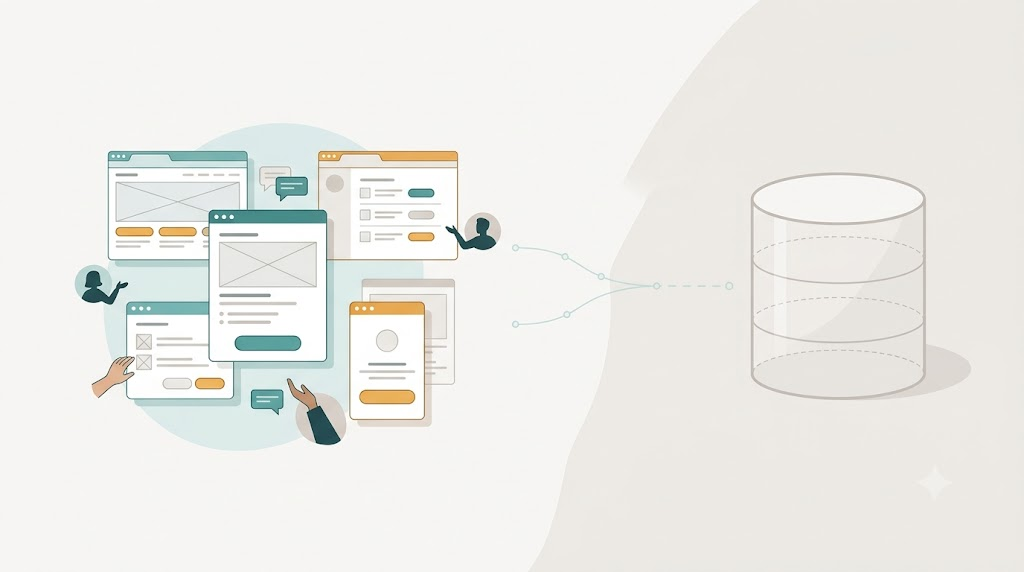
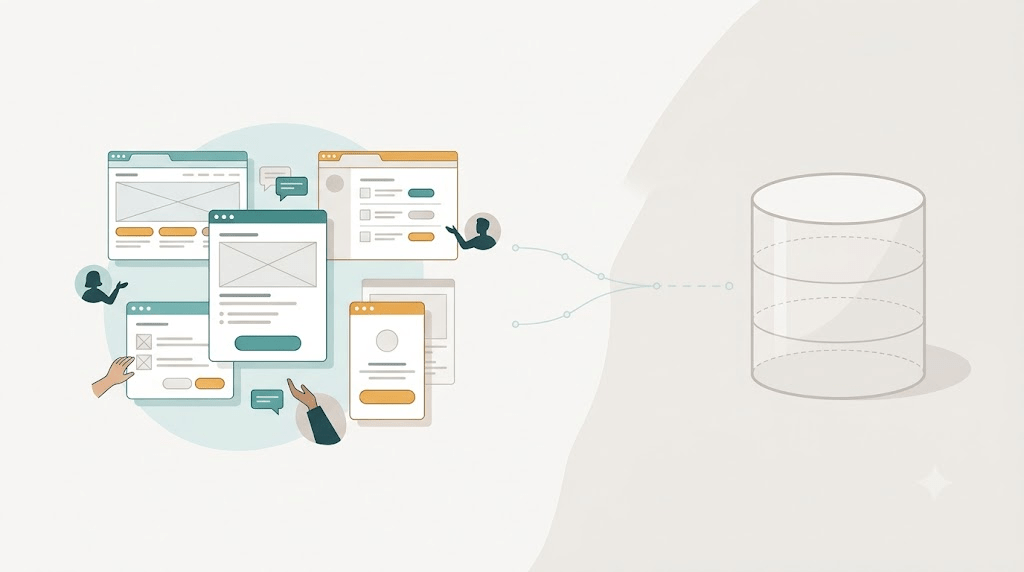
For a year and a half, we had a working application with clickable screens, real processes, and no persistent storage. We were learning what to store before deciding how to store it.
The client had a legacy FoxPro application. Most rewrites start by designing the database, building tables, writing stored procedures, and then building screens on top. We did the opposite. We built the screens and the experience first, and we let the database wait.
Showing something every two weeks
Every two weeks we put a working prototype in front of stakeholders. They clicked through real tasks. They told us what felt right and what did not. We changed the flow, renamed things, moved buttons, and reordered steps. Because there was no database schema to migrate, no foreign keys to protect, and no report writing against a fixed structure, those changes were cheap.
The work felt slow by normal standards. There were no production tables. There was no ERD diagram to show the steering committee. The application was teaching us what the business actually needed.
Task-Based UIs
We built task-based UIs. This was the same task-first move we had made with the 500-screen hospital system: a screen should do one thing the user is trying to do at a particular moment.
The old FoxPro application had put the full surface area of the business on one screen because that was the easiest way to give access. We learned that people rarely needed the full surface. They needed a clear next step.
The feedback loop was fast enough that we could afford to be wrong. If a task flow did not land, we changed it before it hardened into tables and APIs. That freedom disappears once you commit to a storage model. A table name becomes a boundary that future code wraps itself around.
CQRS and the right kind of delay
We delayed the database because we did not yet know what decisions it would have to support. In CQRS and Human Intent I wrote that commands and queries express human intent. Once you understand the intent, the storage model follows naturally.
The storage choice depends on the work:
- A relational database might fit.
- A document database might fit.
- Event-sourcing might fit the parts where you need to know how state changed over time.
You can choose only after you know what the user is trying to do. We gave ourselves time to find out.
Stubbed endpoints and the modern version
Today we formalized that approach. In Stubbed Endpoints — How We Build UI Before the Backend Exists I described how we build real API endpoints that return hardcoded JSON. The contract is real. The shape is real. The authorization is real. The implementation is a placeholder. That is the same discipline: make the interface concrete enough to learn from, without committing to storage before you know what you are storing.
The difference is that the year-and-a-half project happened by instinct and some luck. The stubbed endpoint approach is now a repeatable practice. Both rely on the same truth: it is cheaper to find the right thing to build before you commit to a database.
AI compresses the loop
In From Conversation to Clickable: Using AI for Task-Based UI I wrote about how AI shortens the path from a stakeholder conversation to a clickable prototype. We can now generate screens in minutes, get feedback the same day, and adjust before anyone writes a migration. The principle is unchanged from the year-and-a-half project. The speed is different.
AI can build a screen from a story. It cannot read a stakeholder’s hesitation when a workflow is almost right. That human signal tells you whether your prototype is solving the right problem. The database can wait for that signal.
The lesson
Do not design the storage before you know the shape of the work. A database is a commitment. A screen is a conversation. If you start with the conversation, the commitment becomes obvious.
By the time we chose the storage model, we already knew what the users were doing, why they were doing it, and what could change. That made the database decision easy. More importantly, it made it right.
This is a post in the series “The Software Does Not Work – Rewrite It: Lessons from Two Decades of Replacing Legacy Software.”
- The Software Does Not Work – Should We Rewrite It?
- The Floppy Disk Handoff: When the Source Code Lies to You
- A 24/7 Operation: The Rewrite That Didn’t Need to Stop the World
- 500 Screens, One Idea: What Users Actually Need
- There Is No Domain (Yes, There Is): Pipeline Inspections and the Dynamic App
- Why Calling FoxPro Forms from .NET Hurts
- When Silverlight Died, We Didn’t: The Thin UI Bet
- Excel in the Browser: A Rewrite That Never Launched
- A Year and a Half Without a Database – This post
- What I Still Believe About Software Rewrites


Leave a Reply