Creating a presentation from scratch can be time-consuming, but what if AI could help speed up the process? Recently, I experimented with using ChatGPT to generate an outline for a new talk, then leveraged Obsidian’s Advanced Canvas community plugin to turn that outline into a structured slide deck. With a few well-crafted AI prompts and some iterative refinement, I arrived at a system that made my workflow significantly more efficient. In this post, I’ll walk through how I combined AI, Obsidian, and real-time feedback from my peers to develop and refine a presentation, ultimately creating a process I’ll use again.
If you prefer listening to reading…
After using AI to generate an outline quickly from my ideas for a new presentation, I created the slide deck.
I have used the Advanced Canvas plugin in Obsidian. This plugin turns the canvas feature into a presentation slide deck.
A canvas file stores its content as JSON data. I decided to return to the chat in ChatGPT, where the presentation outline was created, and tell it to generate a Canvas file. This was my prompt:
I use the Advanced Canvas plugin to create presentations in Obsidian. Create the json content for an Obisidian Canvas containing 1 slide per item in the outline above.
ChatGPT created a valid Canvas. However, it was not compatible with the Advanced Canvas plugin. I then changed my prompt:
That content does not represent what the Advanced Canvas plugin needs to turn the canvas into a presentation. Use the json below as an example. Notice there’s a “start node” and connections between slides (such as Slide 1 and Slide 2, fromNode and toNode).
The result was better, but I wasn’t happy with the dimensions of each slide and their placement on the canvas, so I asked for the changes with this prompt:
Every slide (represented by nodes of type “group”) should have a width of 1200 and a height of 675. Place each group horizontally on the canvas, from left to right.
The result gave me all I needed to take over and continue developing my content.
I’ll quickly summarize how I got from that to the final content I delivered.
The horizontal spine of the presentation in front of me allows me to think through how I want to tell the story.

I add notes I think of as “legs” supporting that story. At this point, it looks like a centipede.

Next, I turn points from those notes into slides and see how deep each section is going.

Let me take a quick detour here.
We have just started a new experiment at Improving Houston called “Thought Leadership: Build in Public.” It’s a 30-minute weekly meeting where anybody working on a new talk or written content can join, do their work, and request help or feedback.
With my presentation skeleton ready, I leveraged that meeting to run those slides by an Improver and get some feedback, which led to me finishing the content and preparing it for its debut.
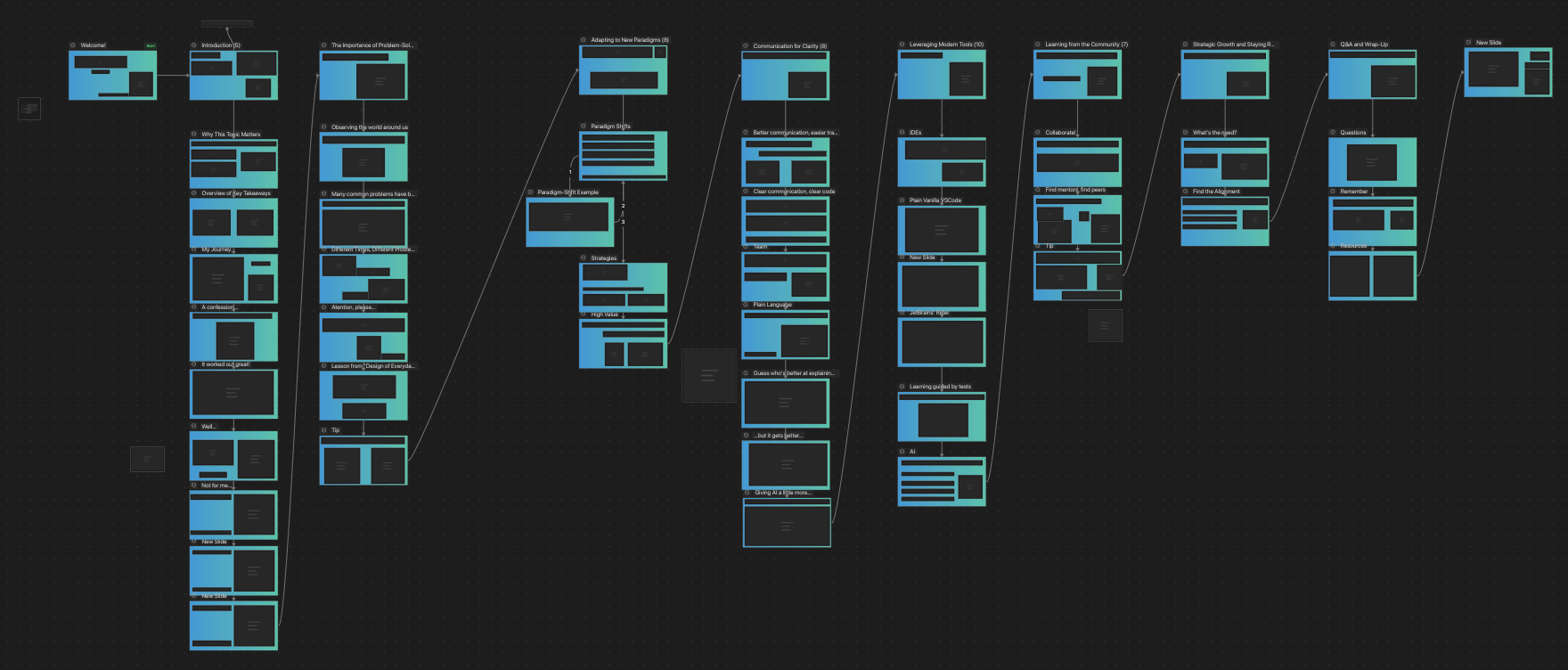
The first time I presented, it went well. The attendees enjoyed it and gave me positive feedback, so I’ll continue refining the content and delivering it to more audiences.